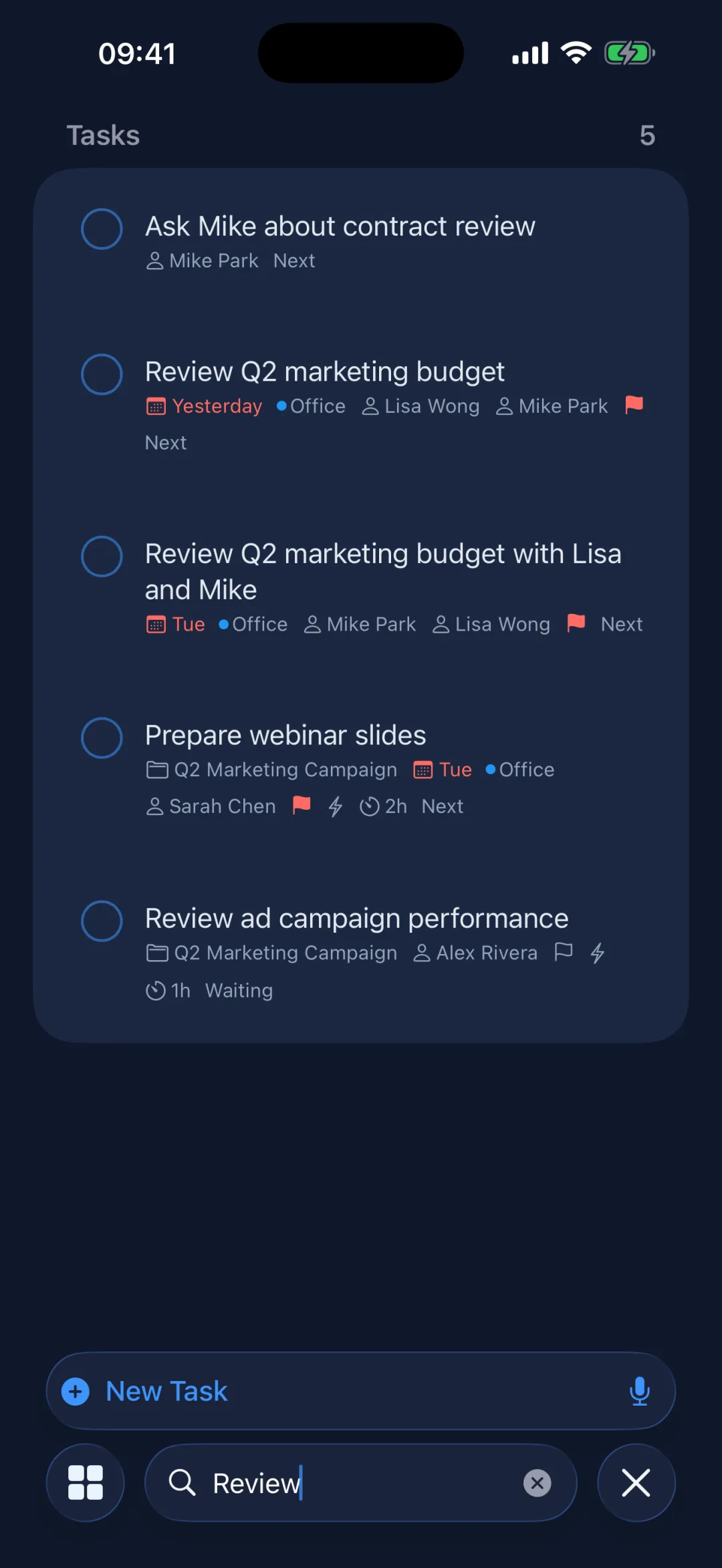
Capture everything
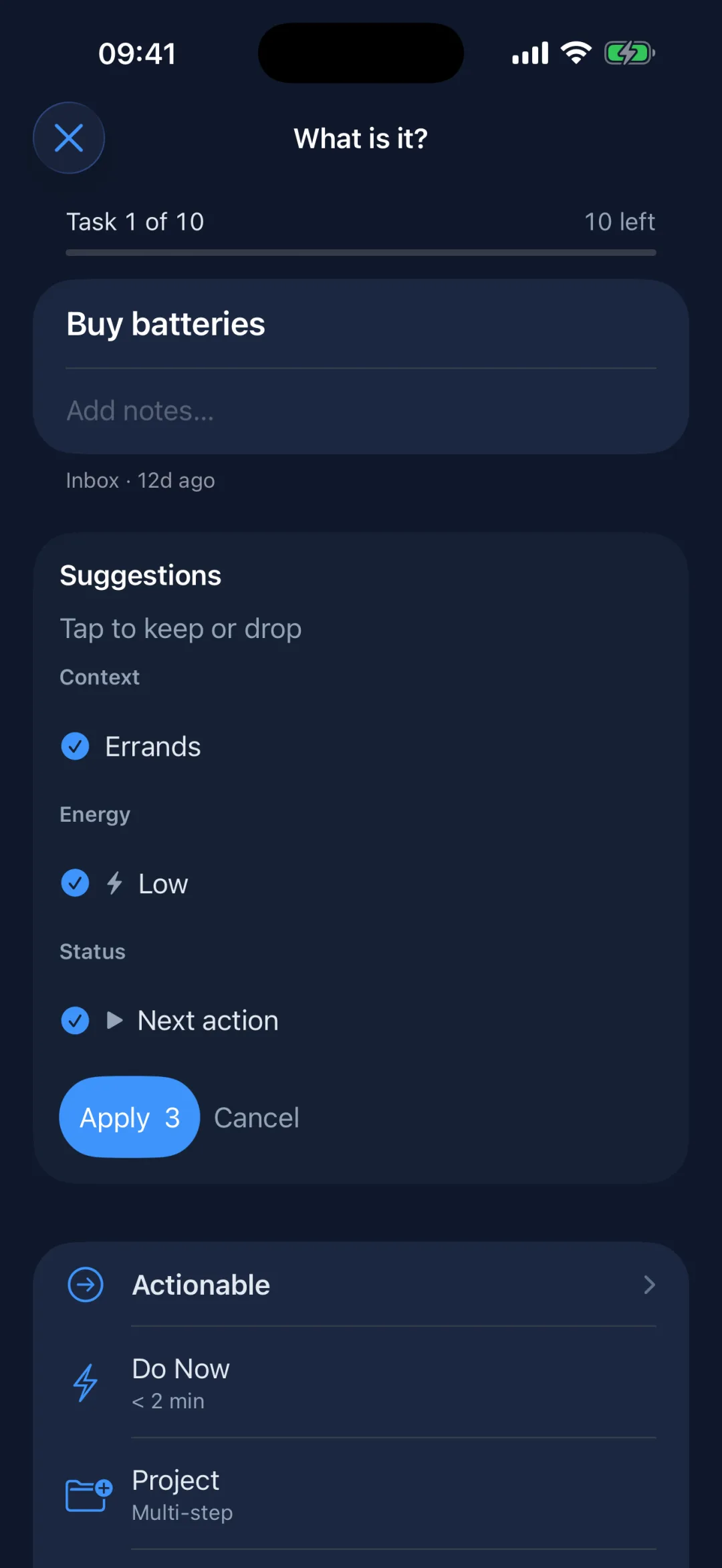
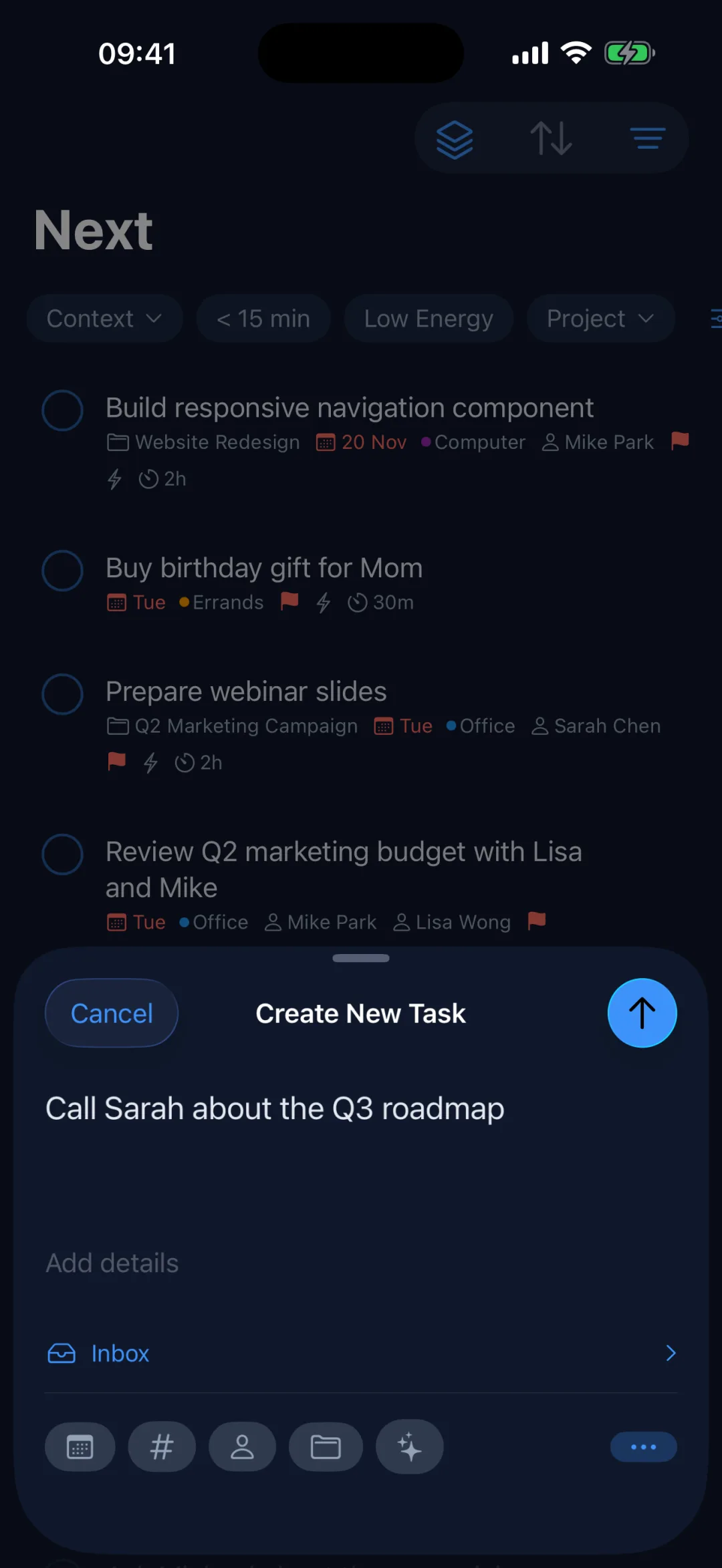
01- Inbox & quick capture from any device
- Cross-device sync, end-to-end
- Lightning-fast search across everything
- Voice capture and share-to-Inbox on iPhone and Android
Other task apps hand you an empty list and wish you luck. NextThing captures, clarifies, and shows you what to do next — on every device you own.
See It in Action
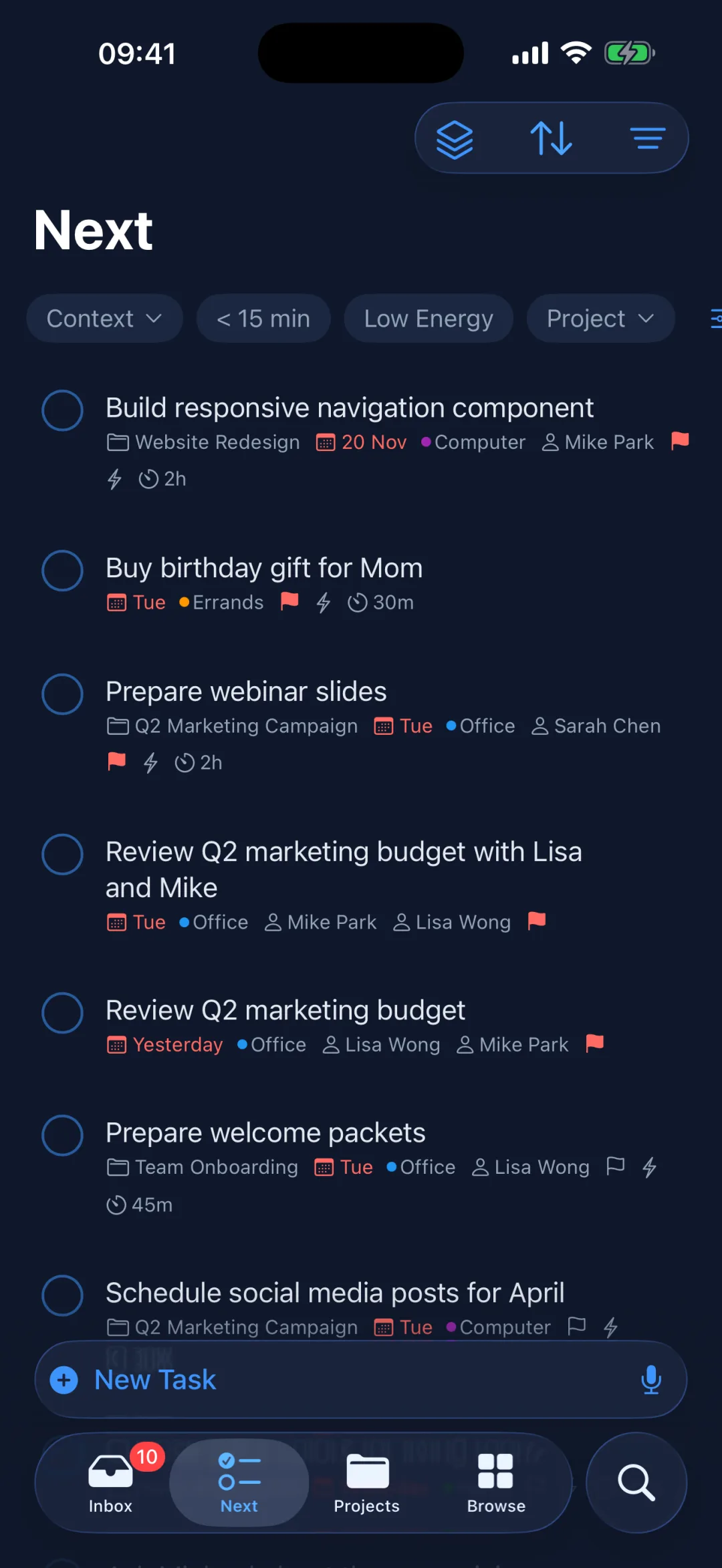
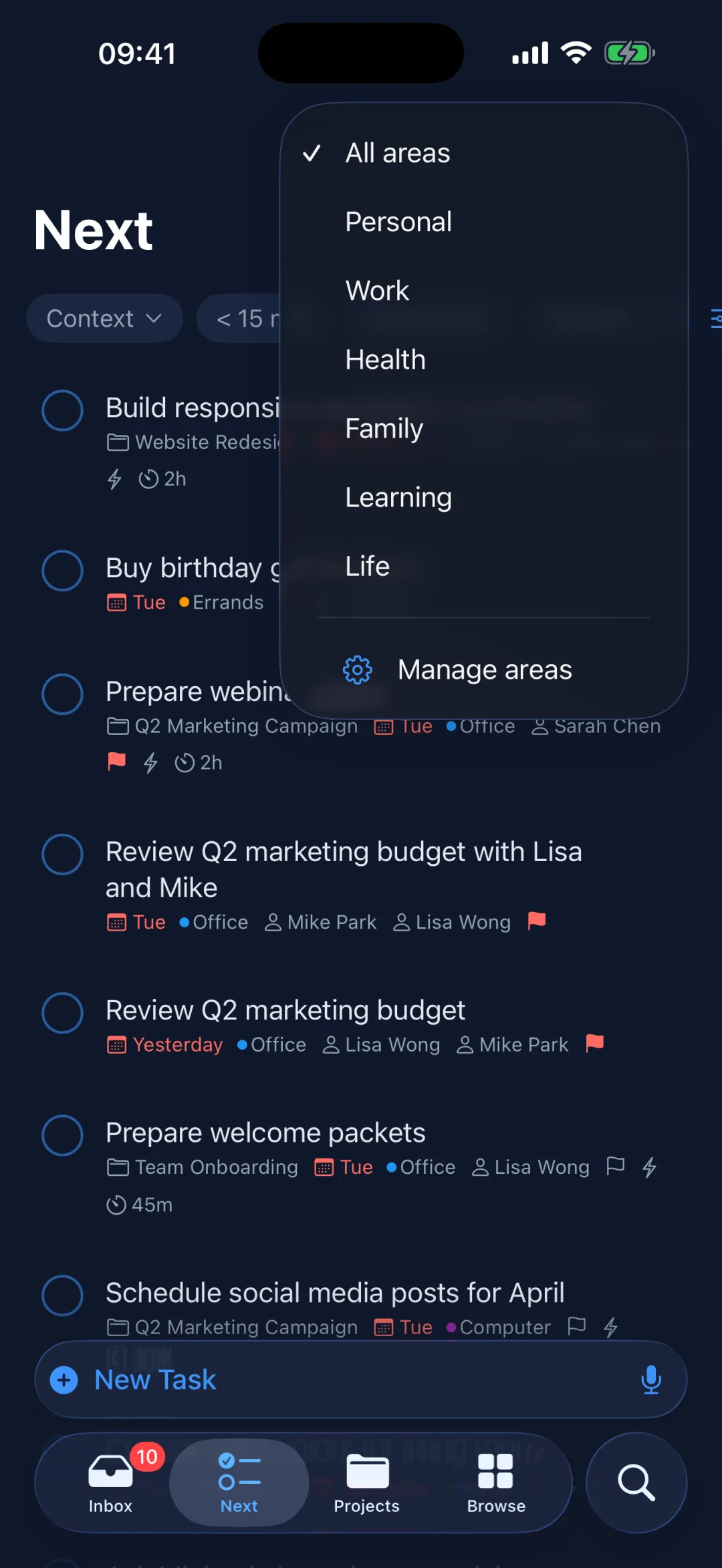
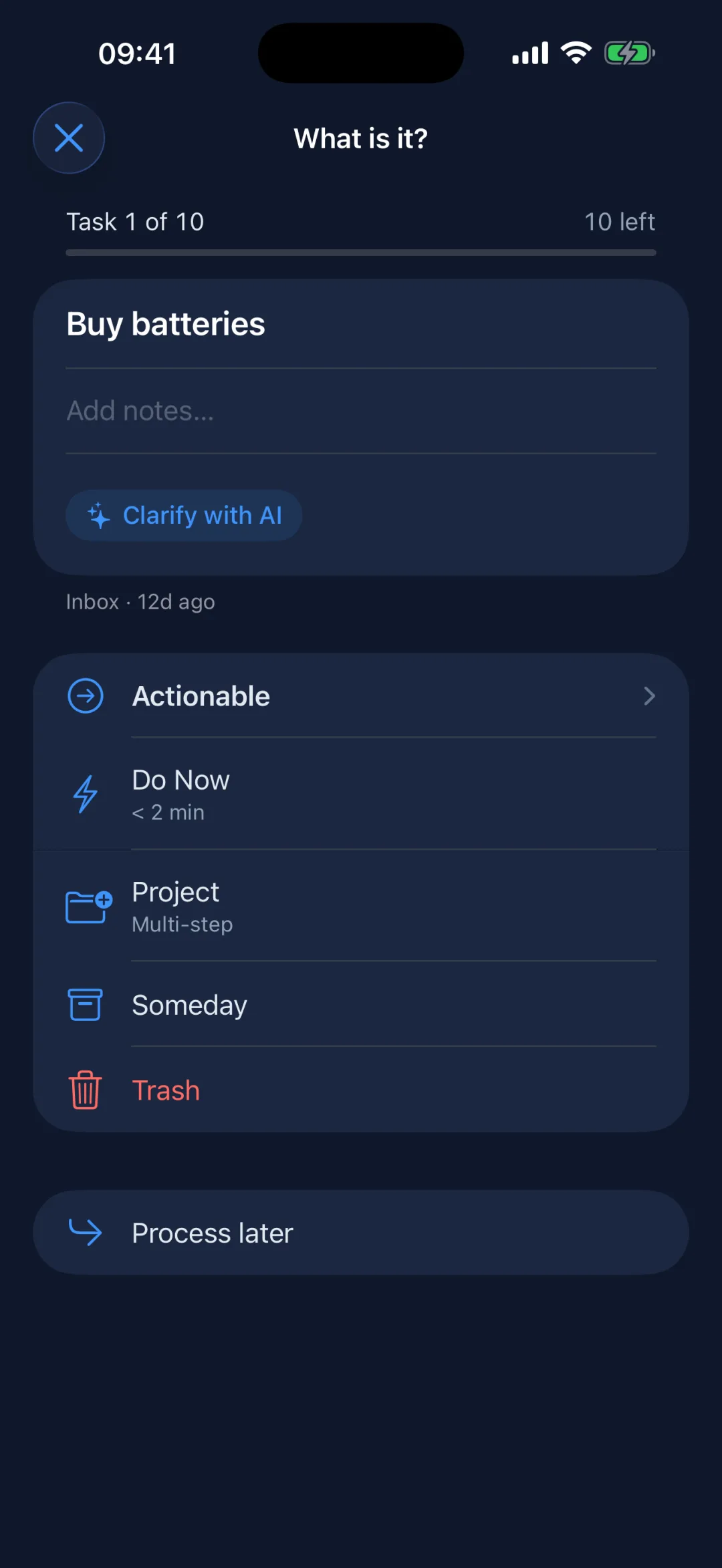
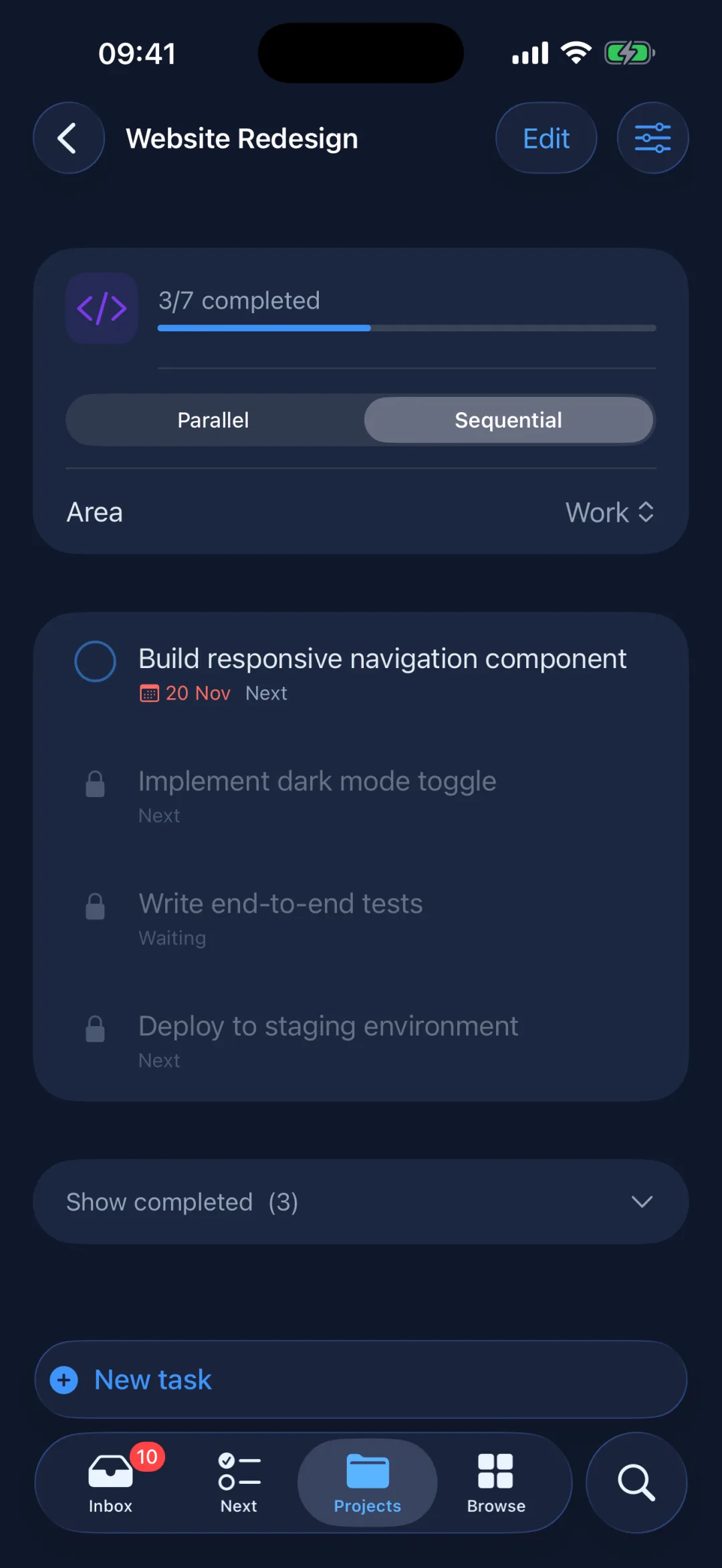
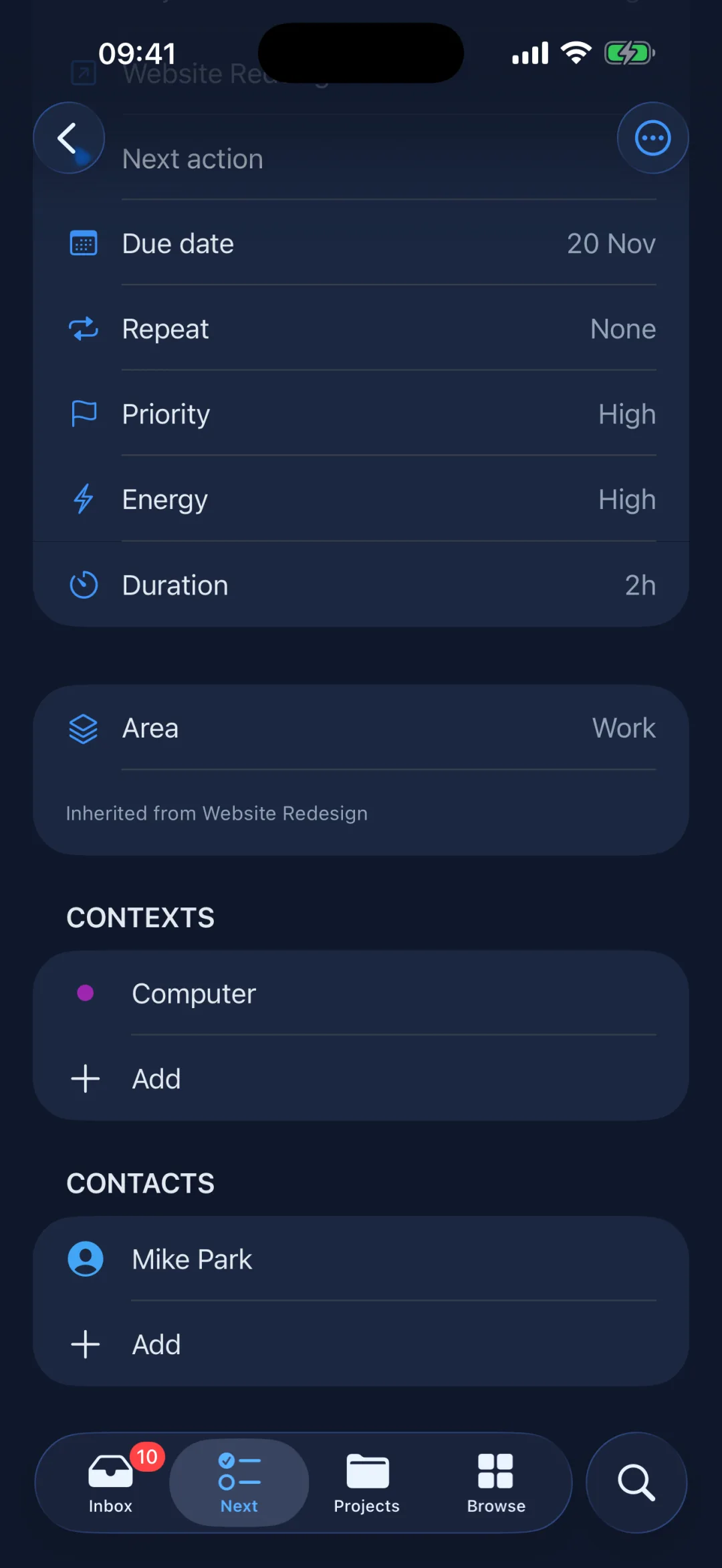
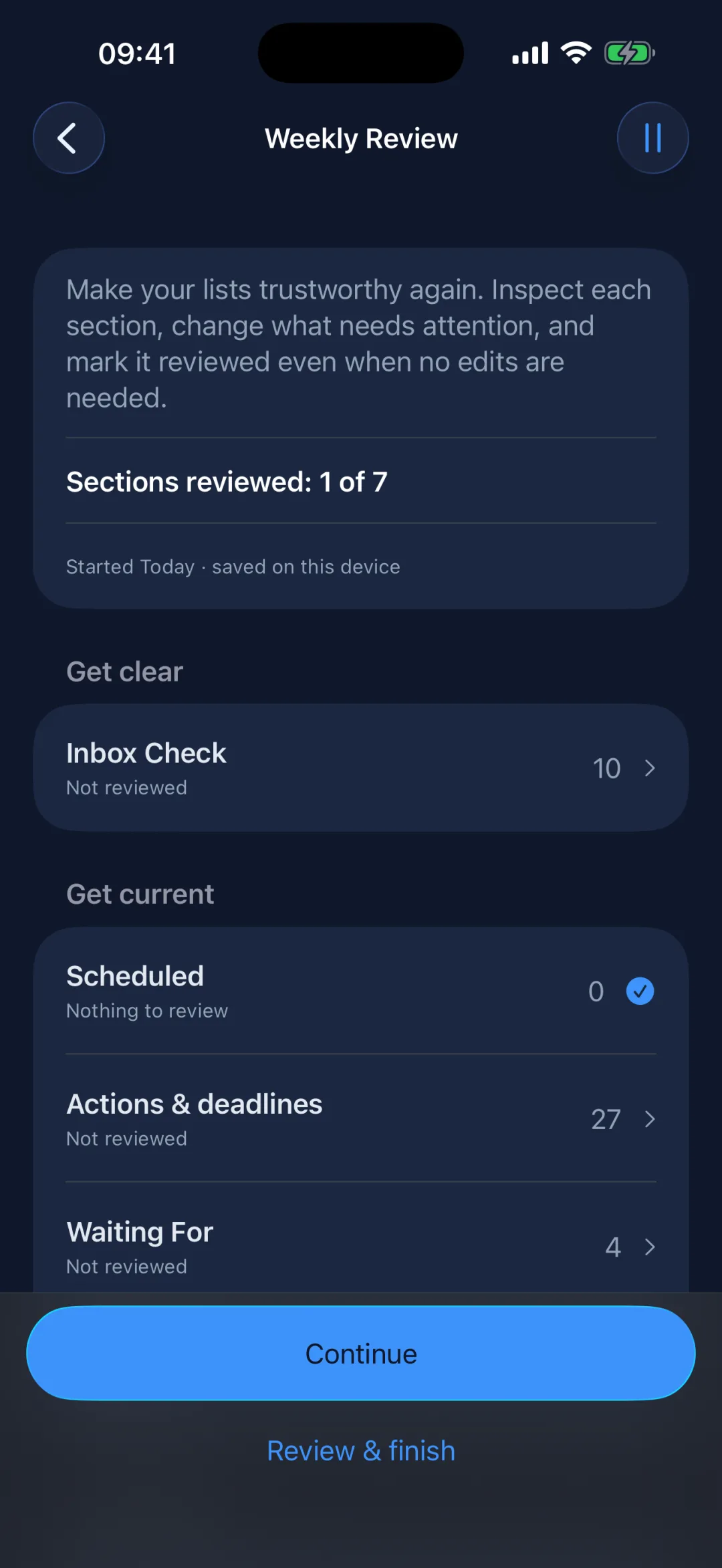
A calm interface that respects the method — not a todo list with a Next Actions tag bolted on.
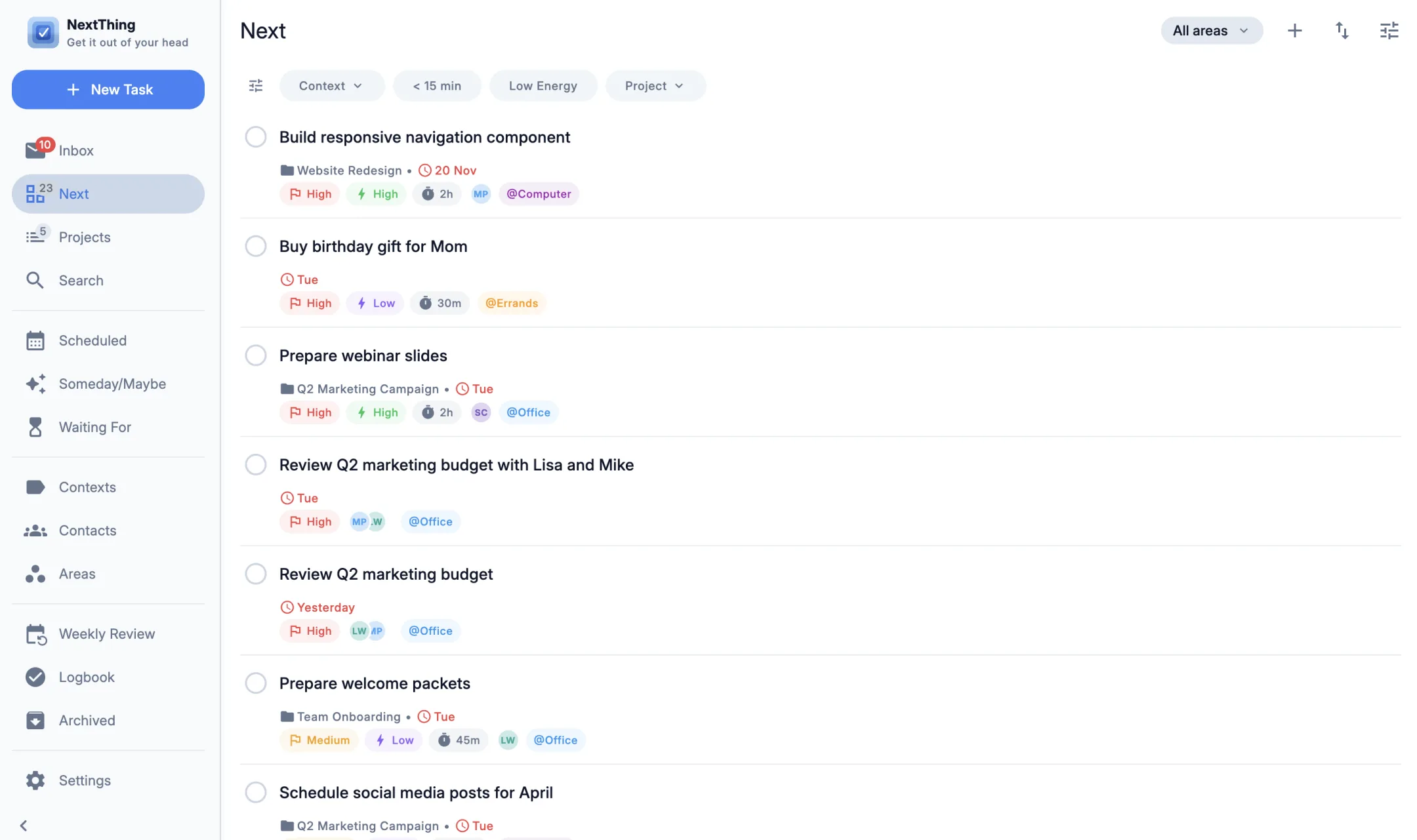
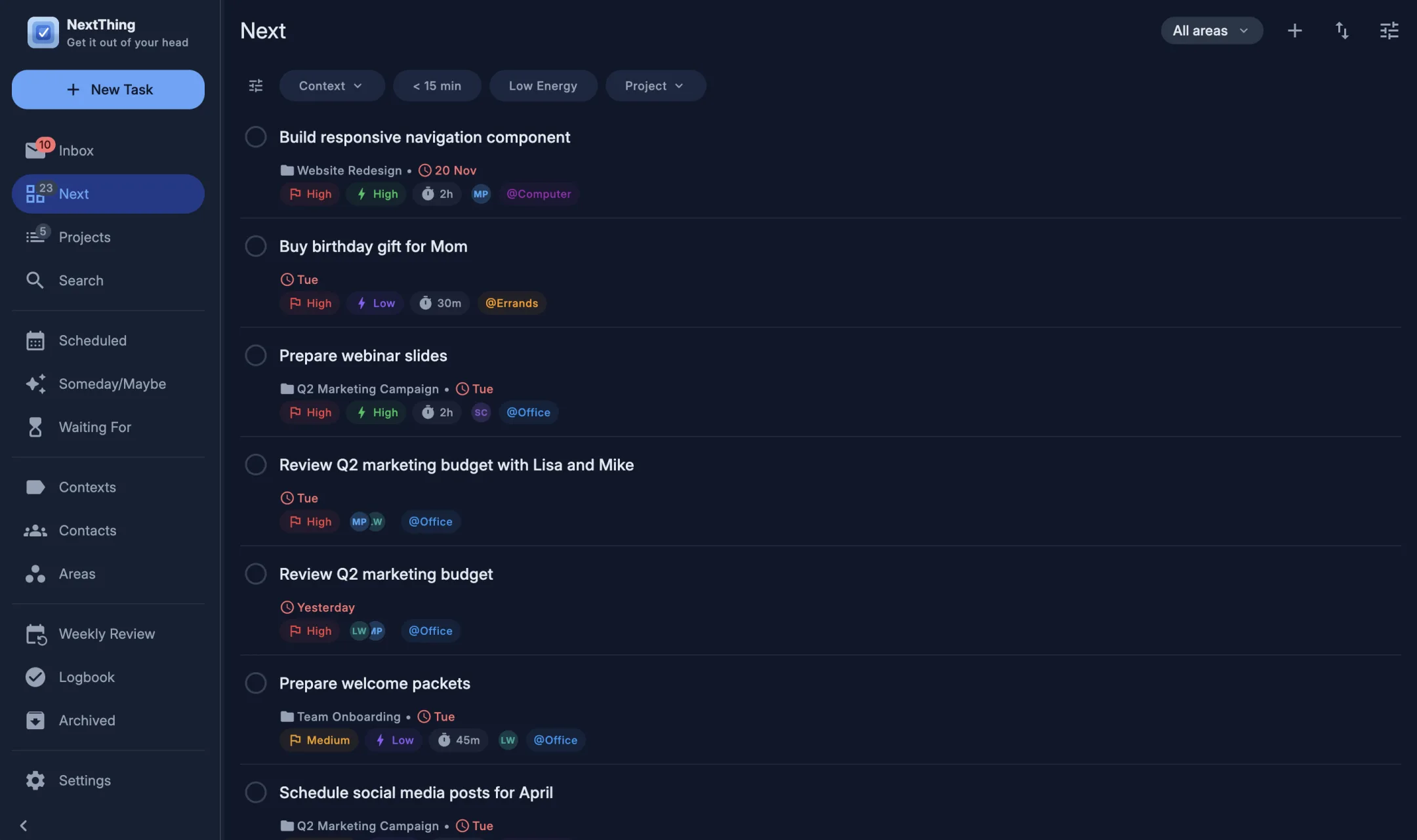
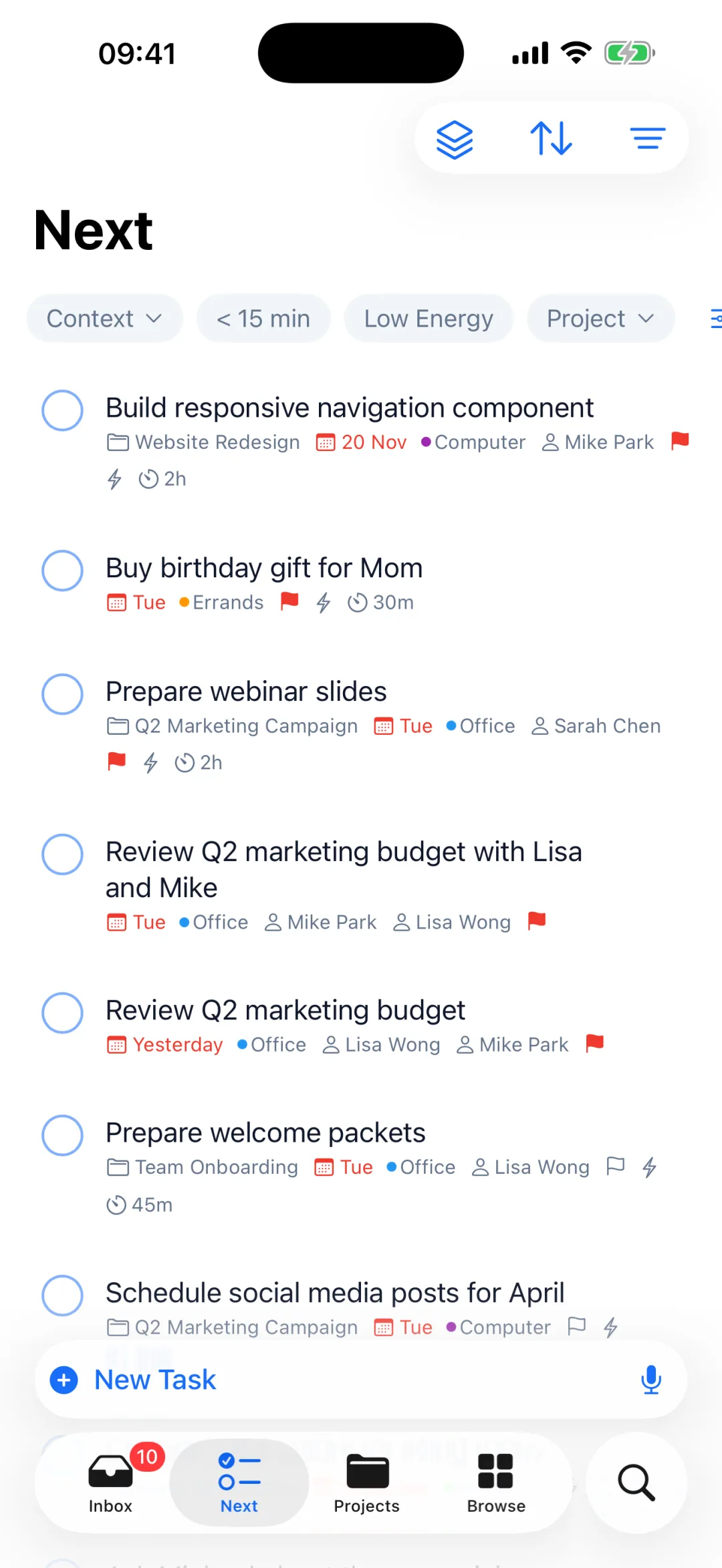
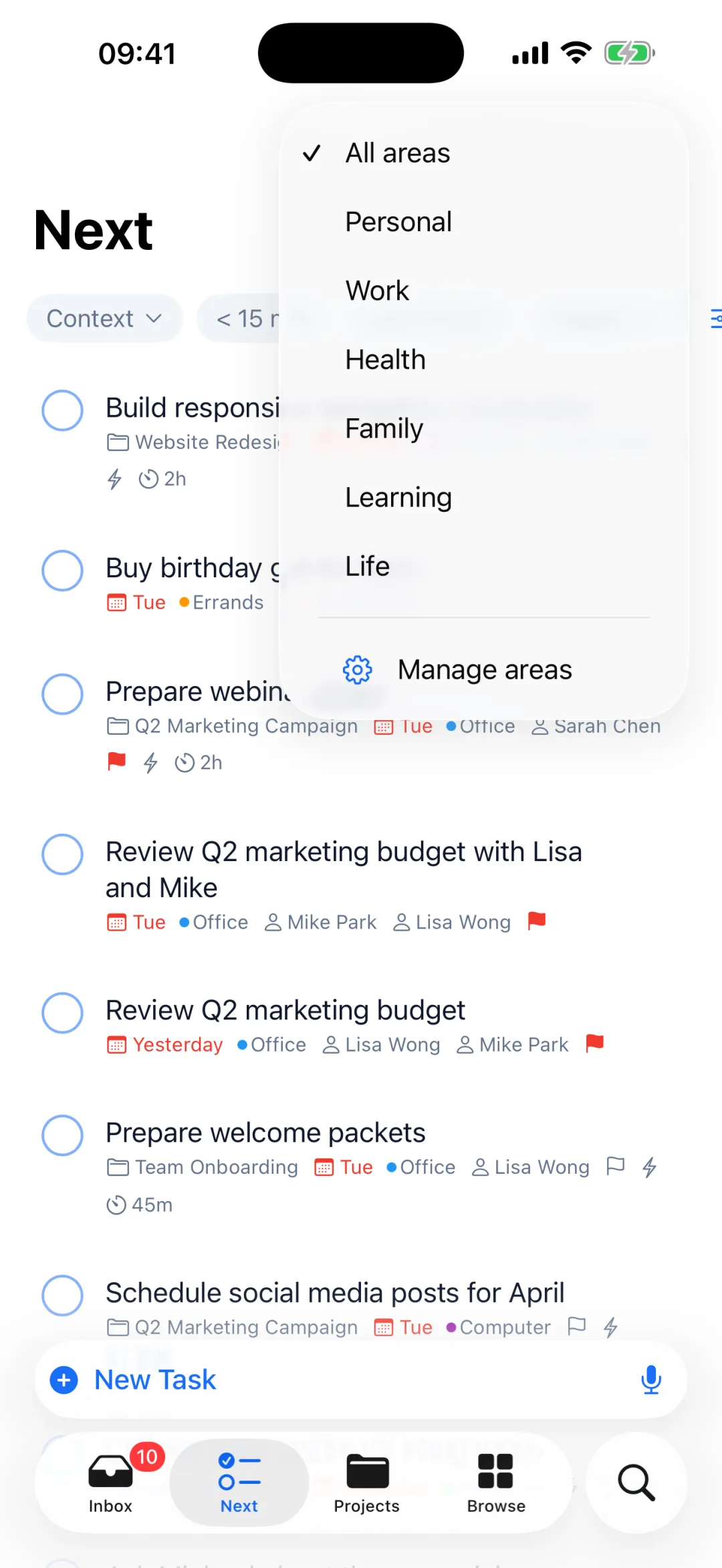
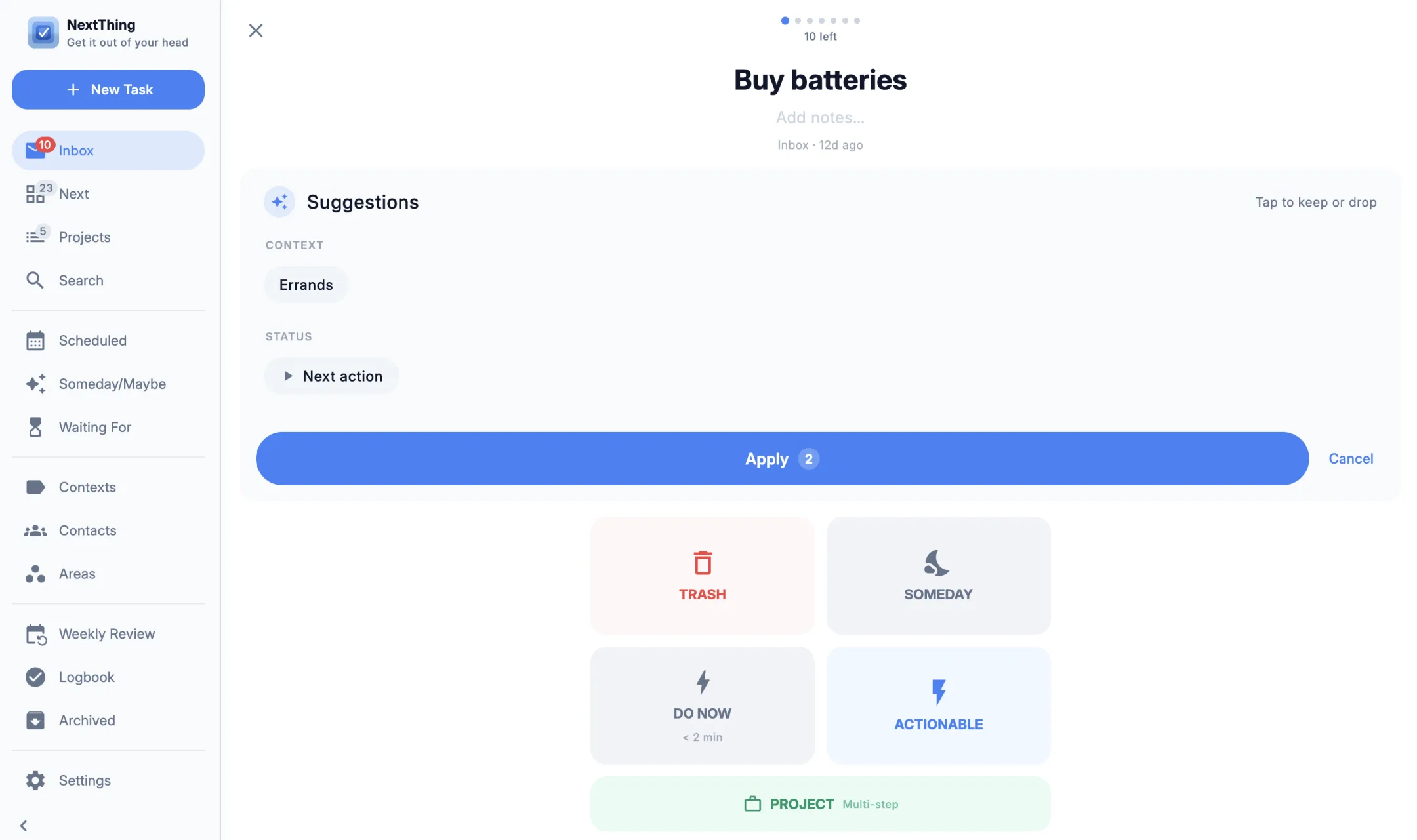
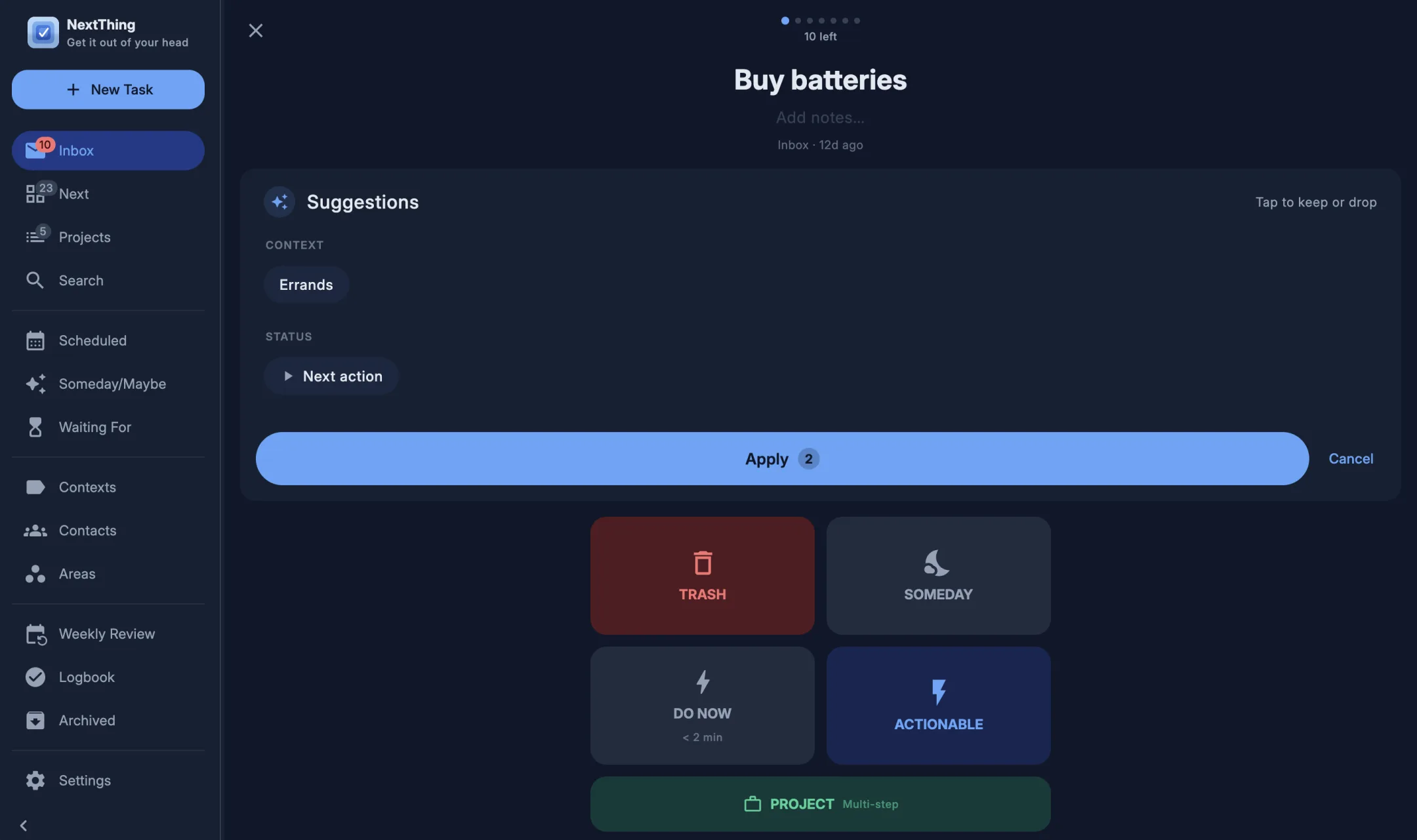
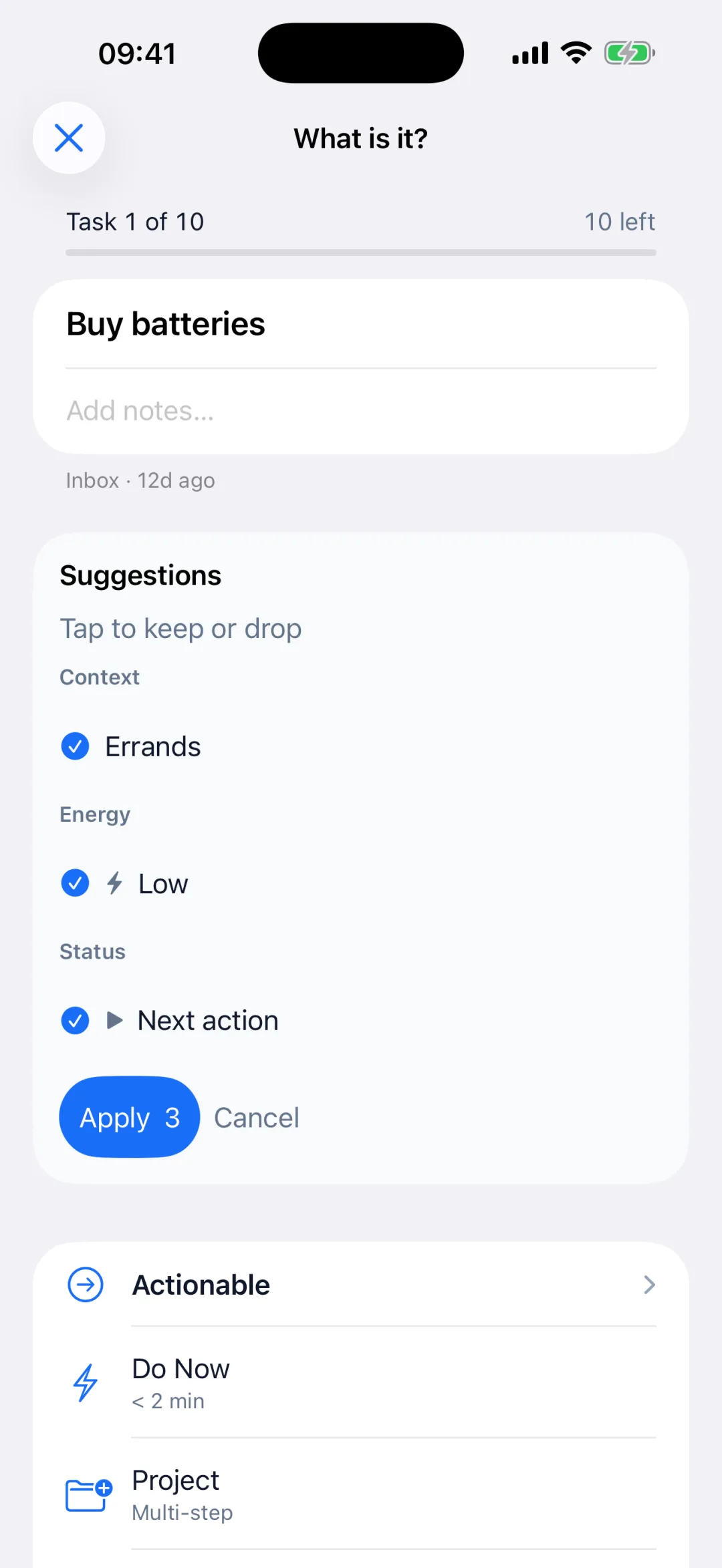
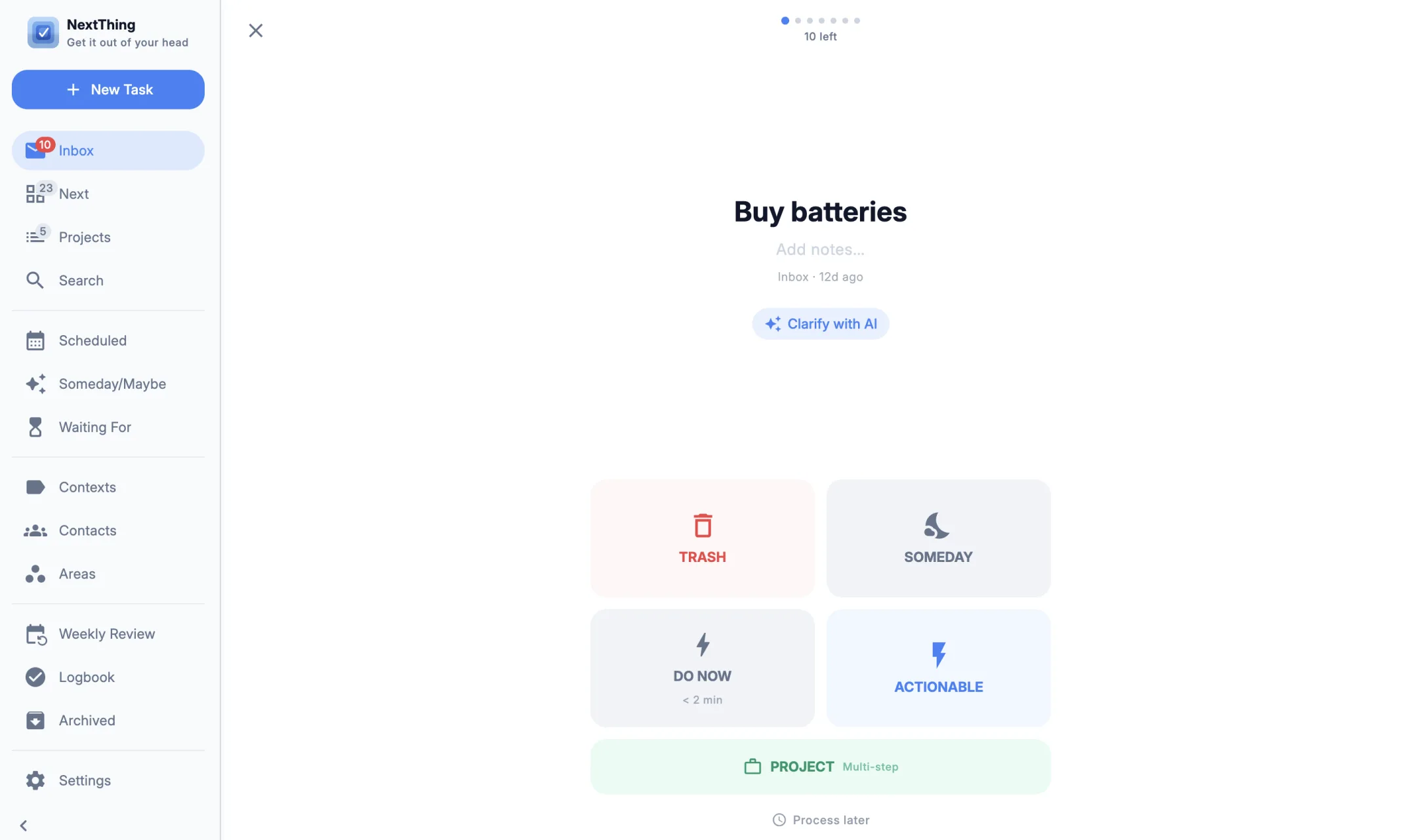
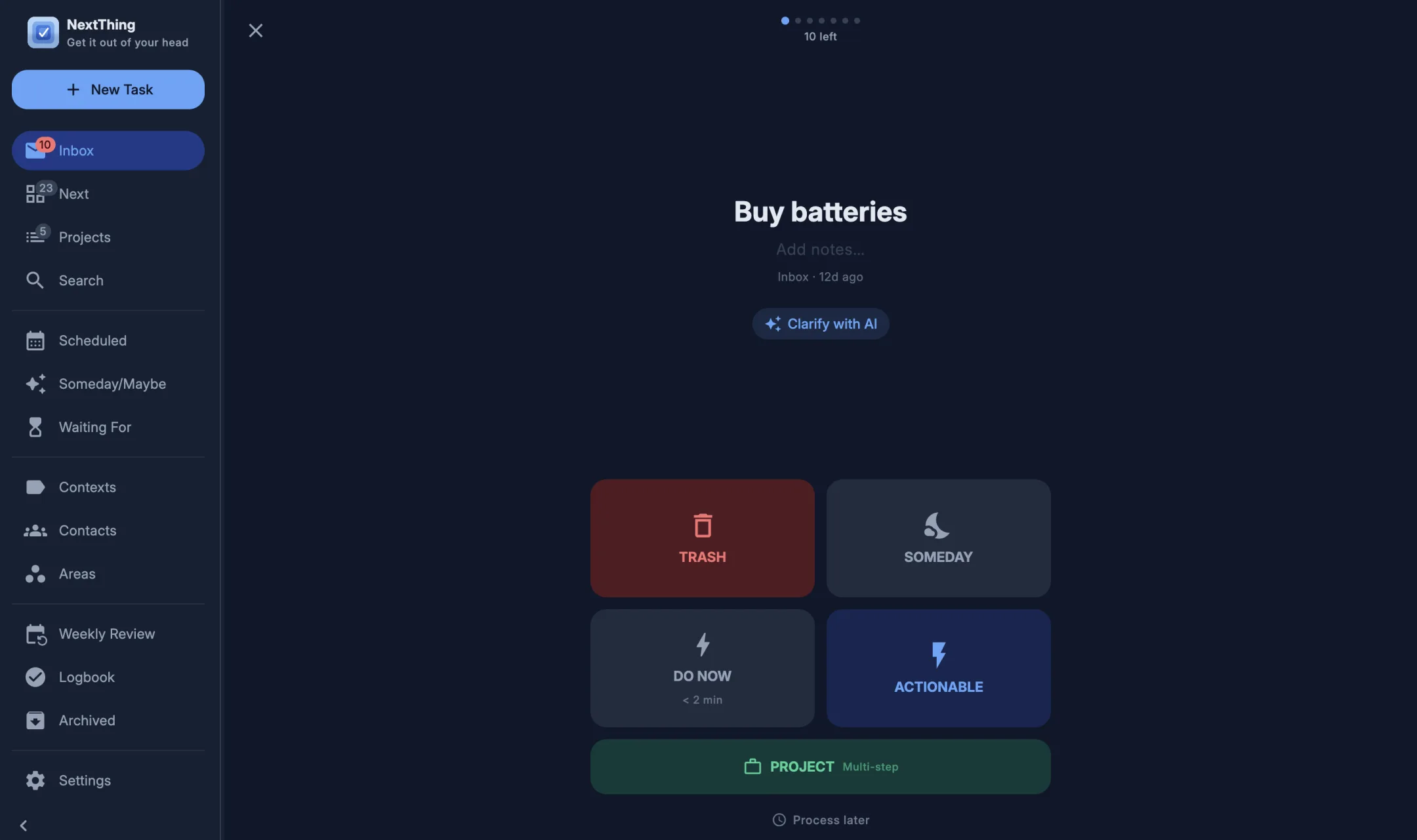
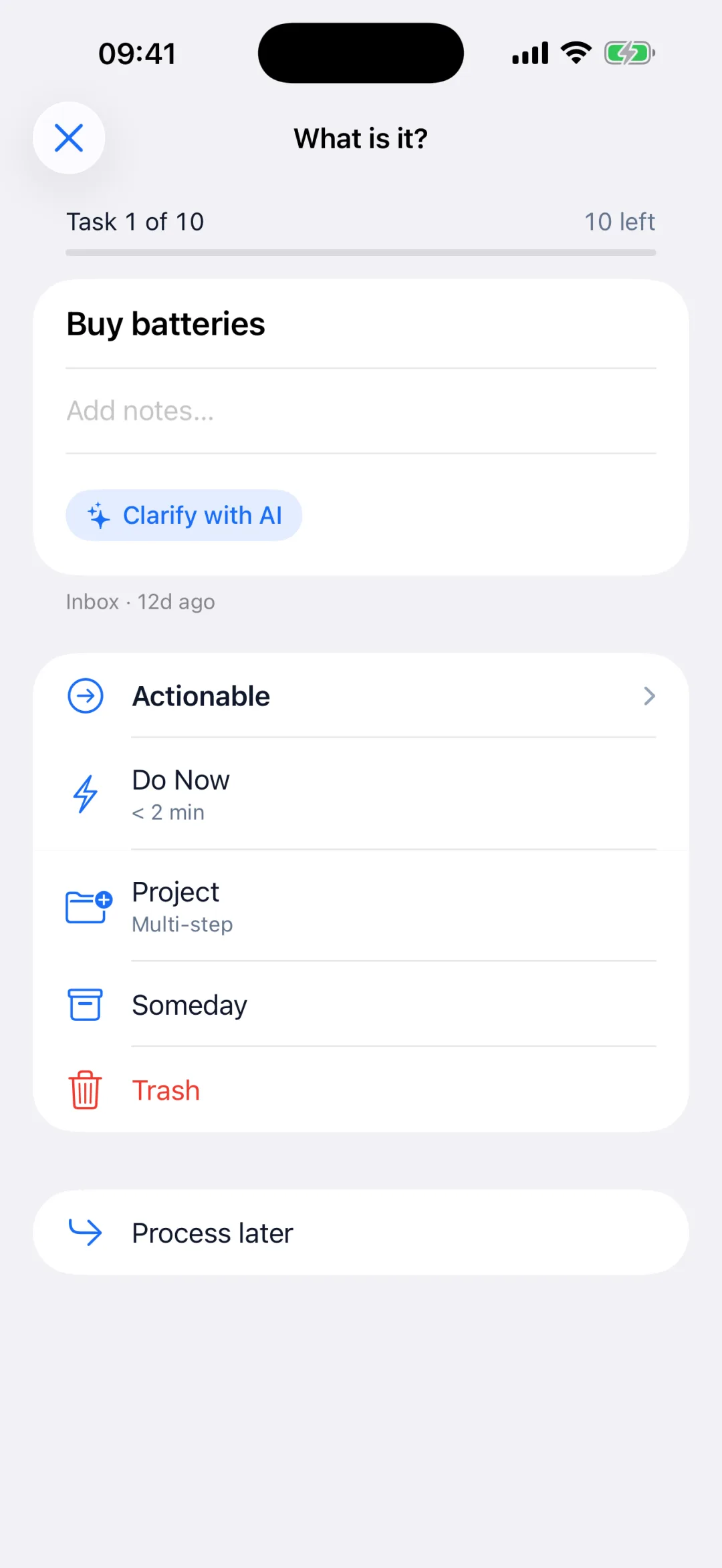
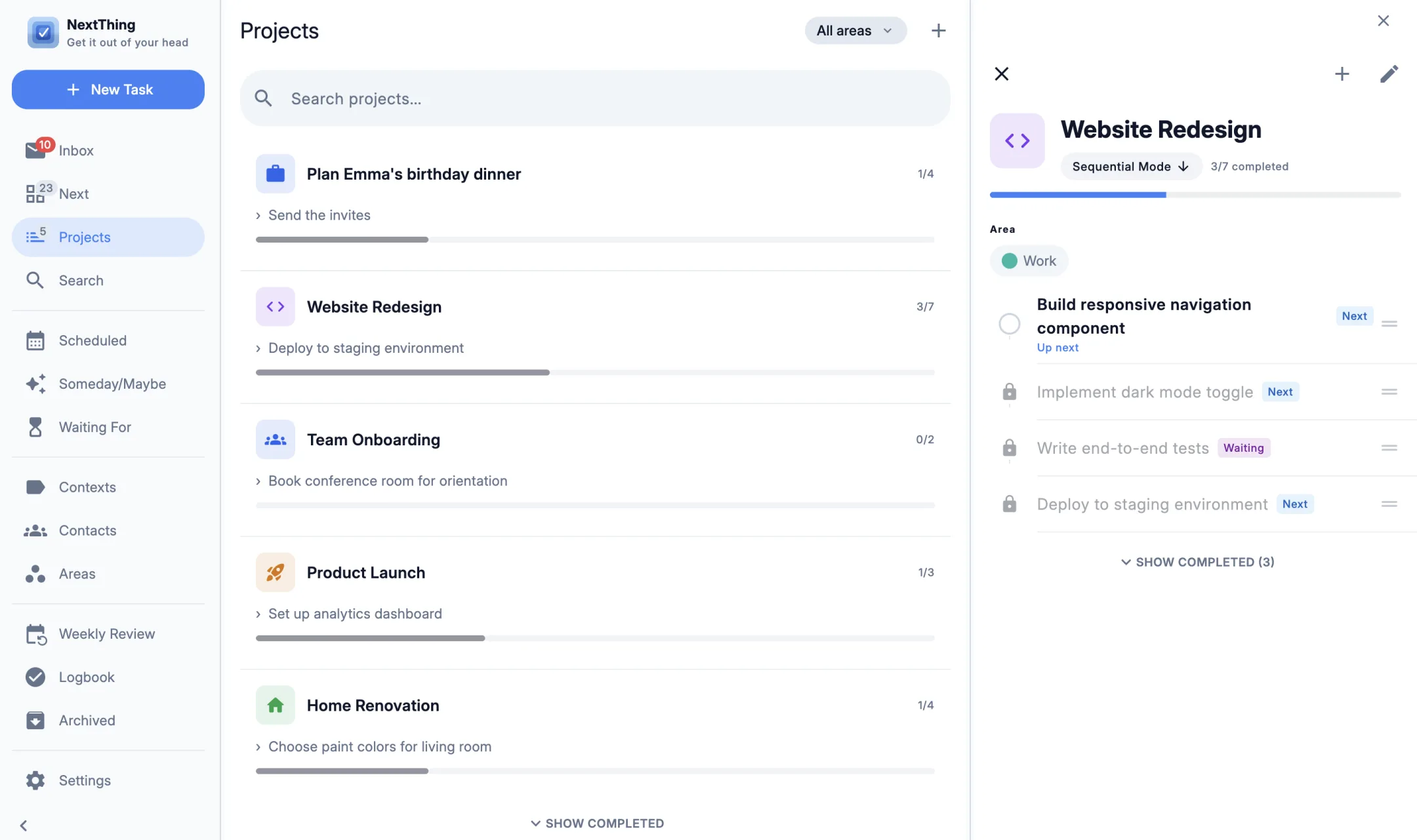
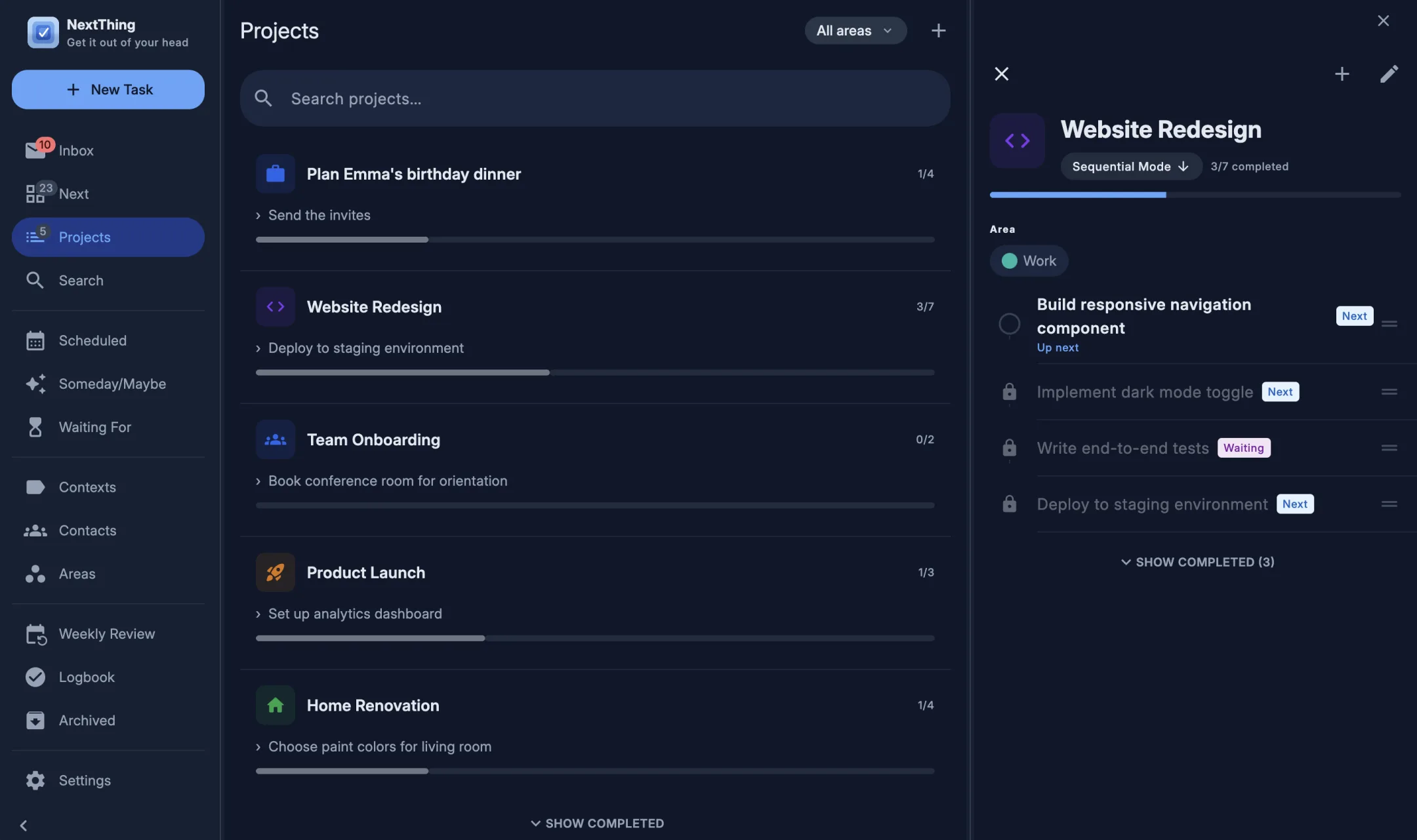
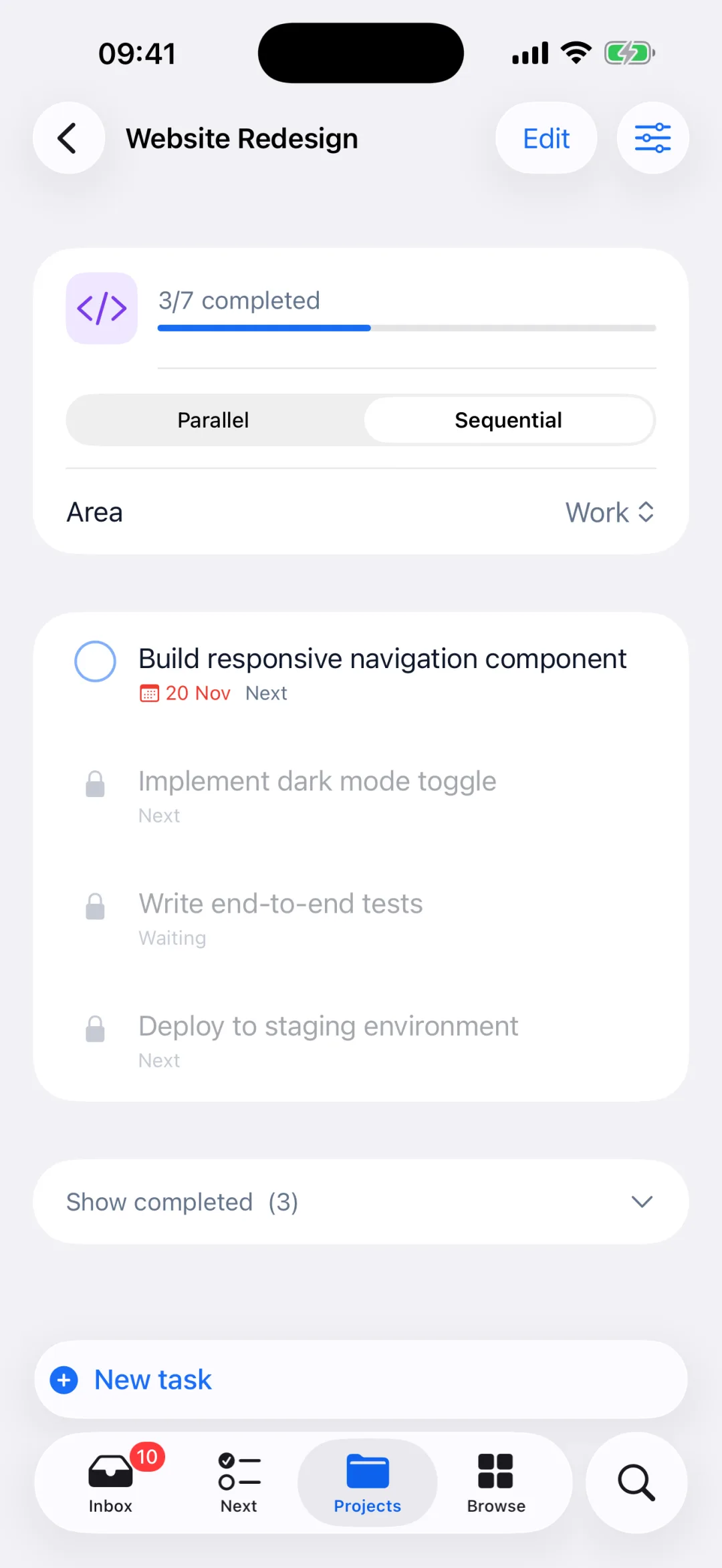
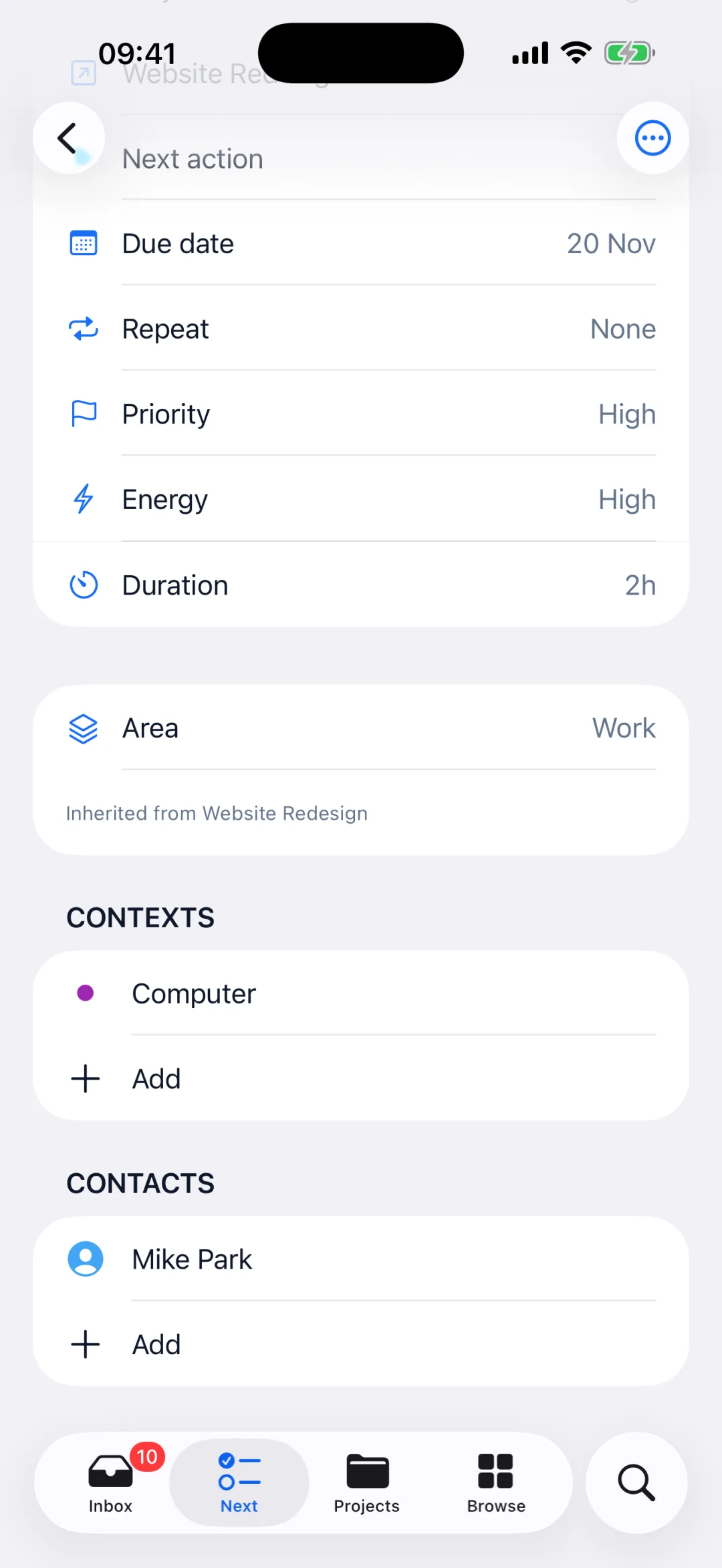
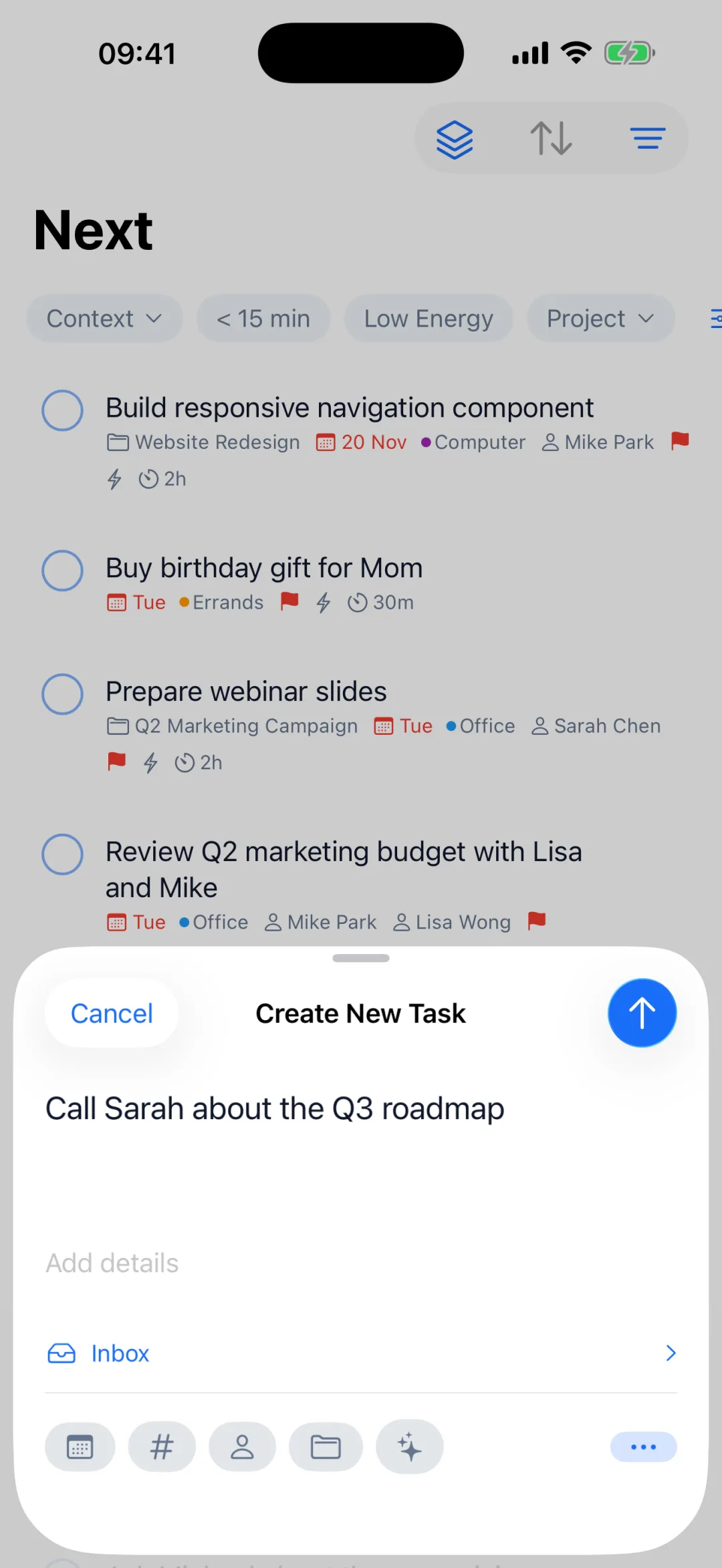
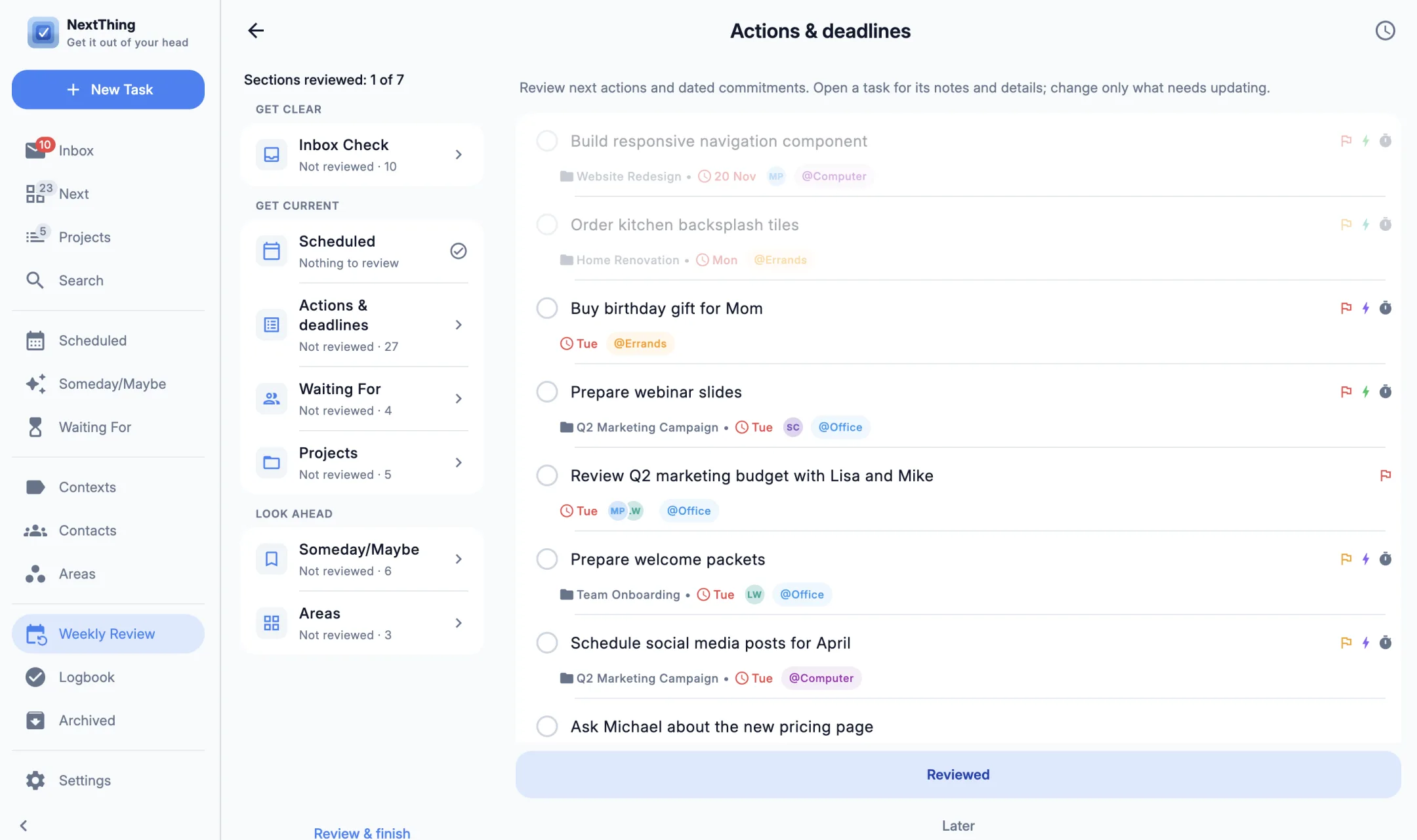
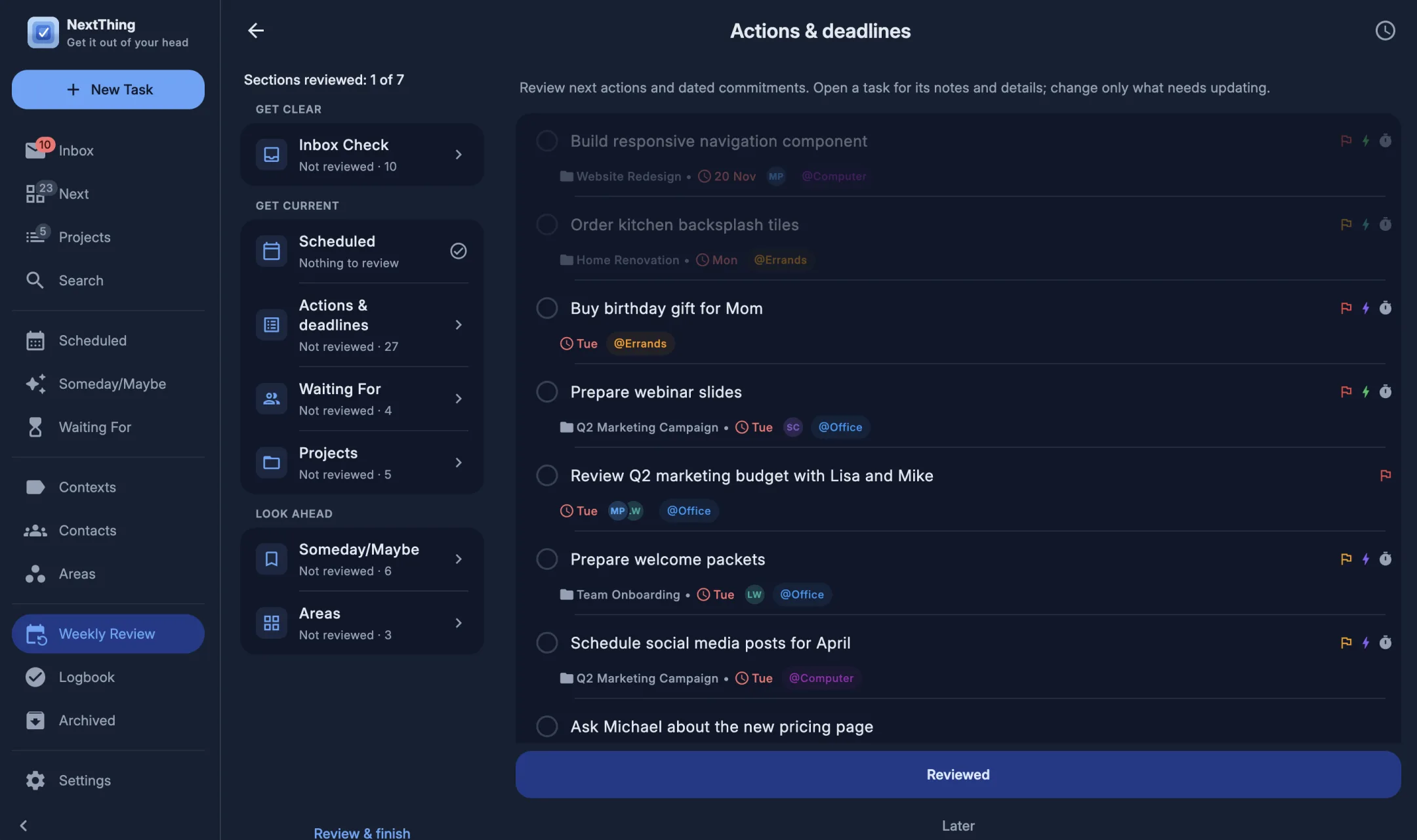
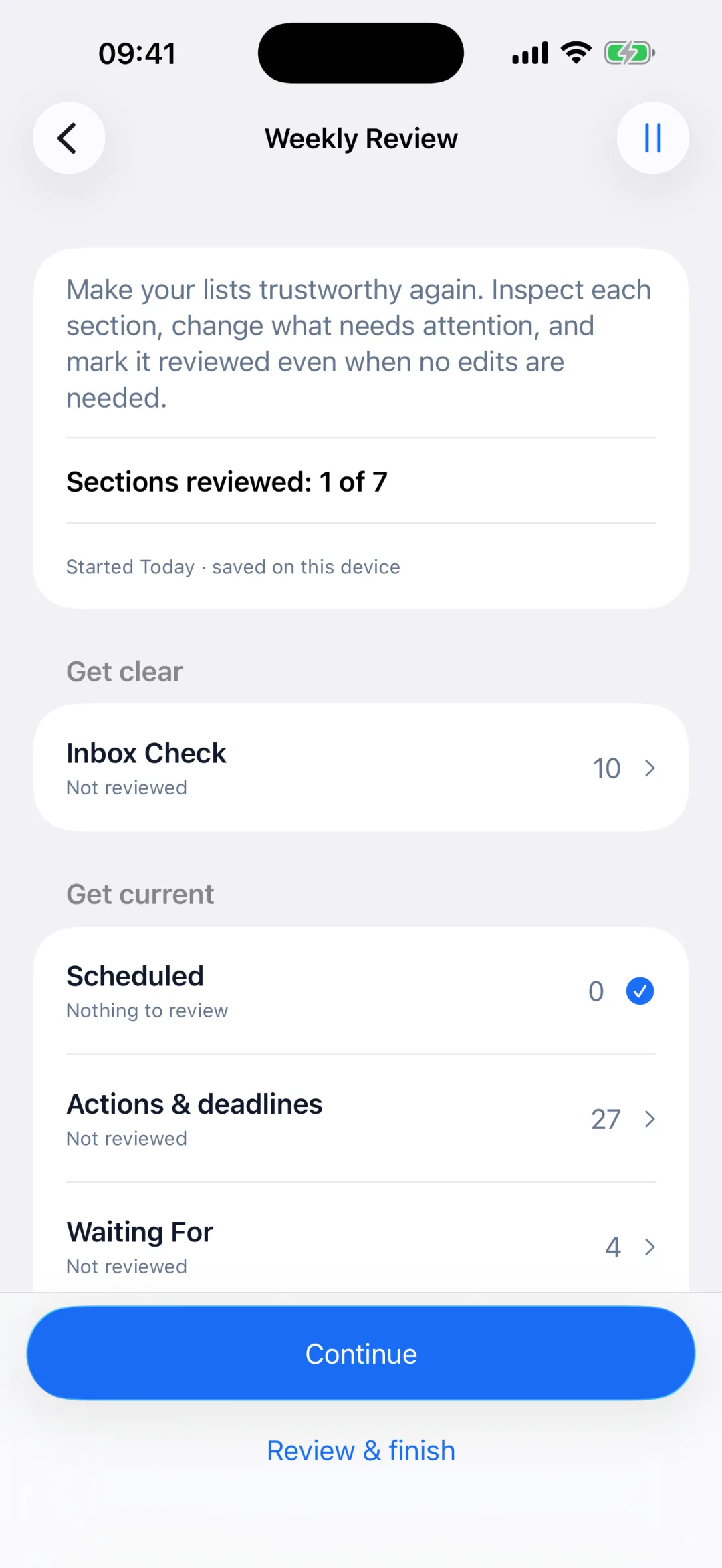
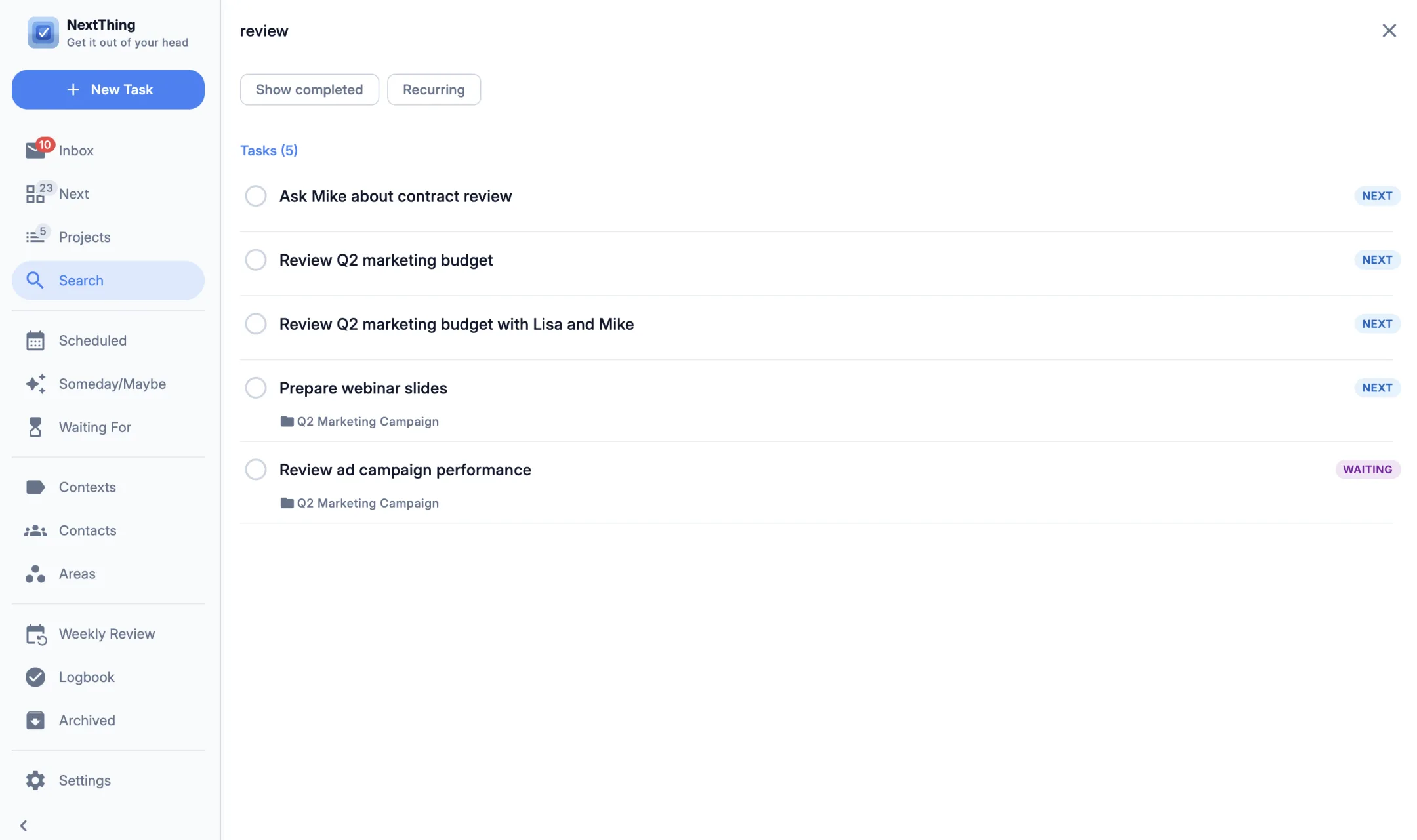
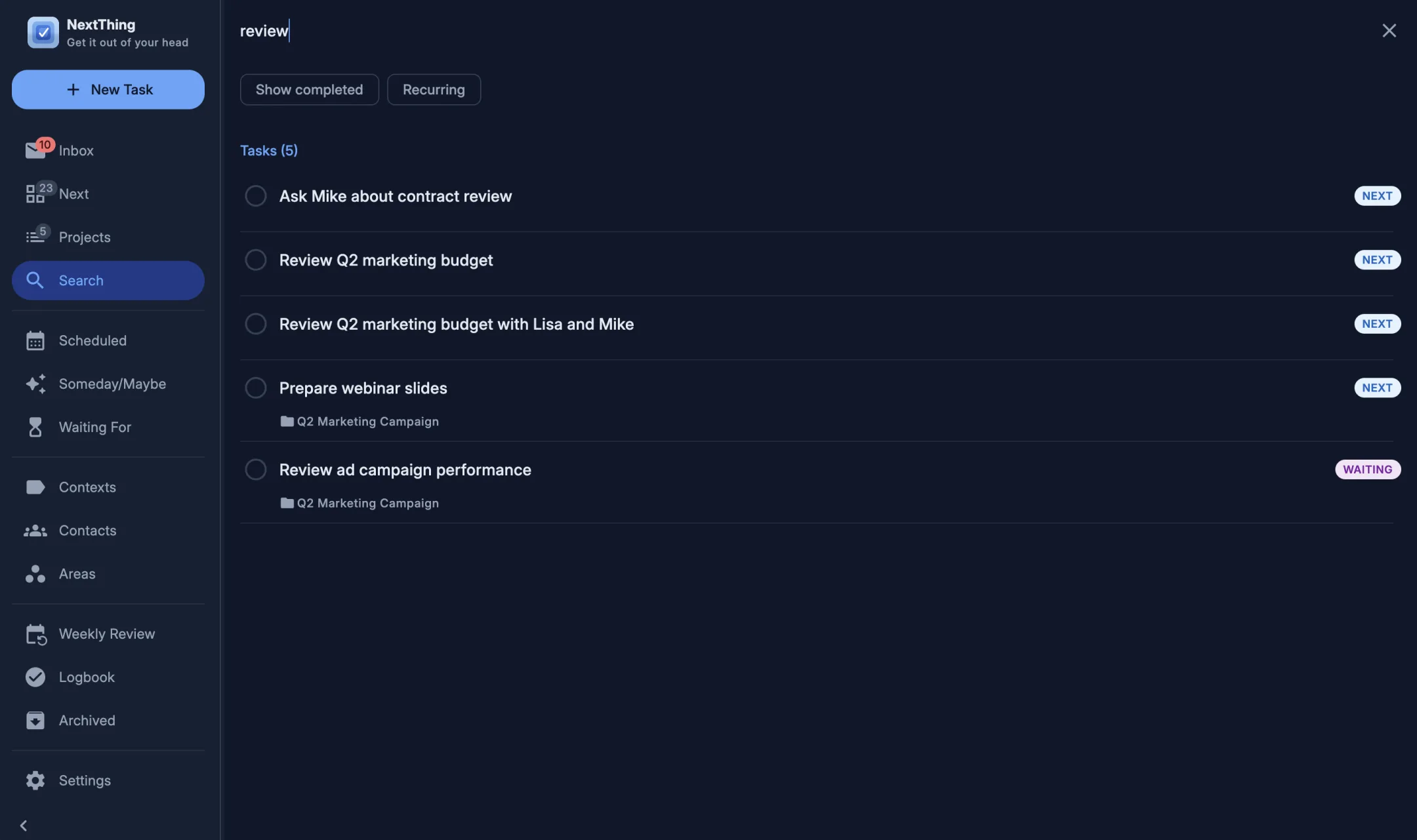
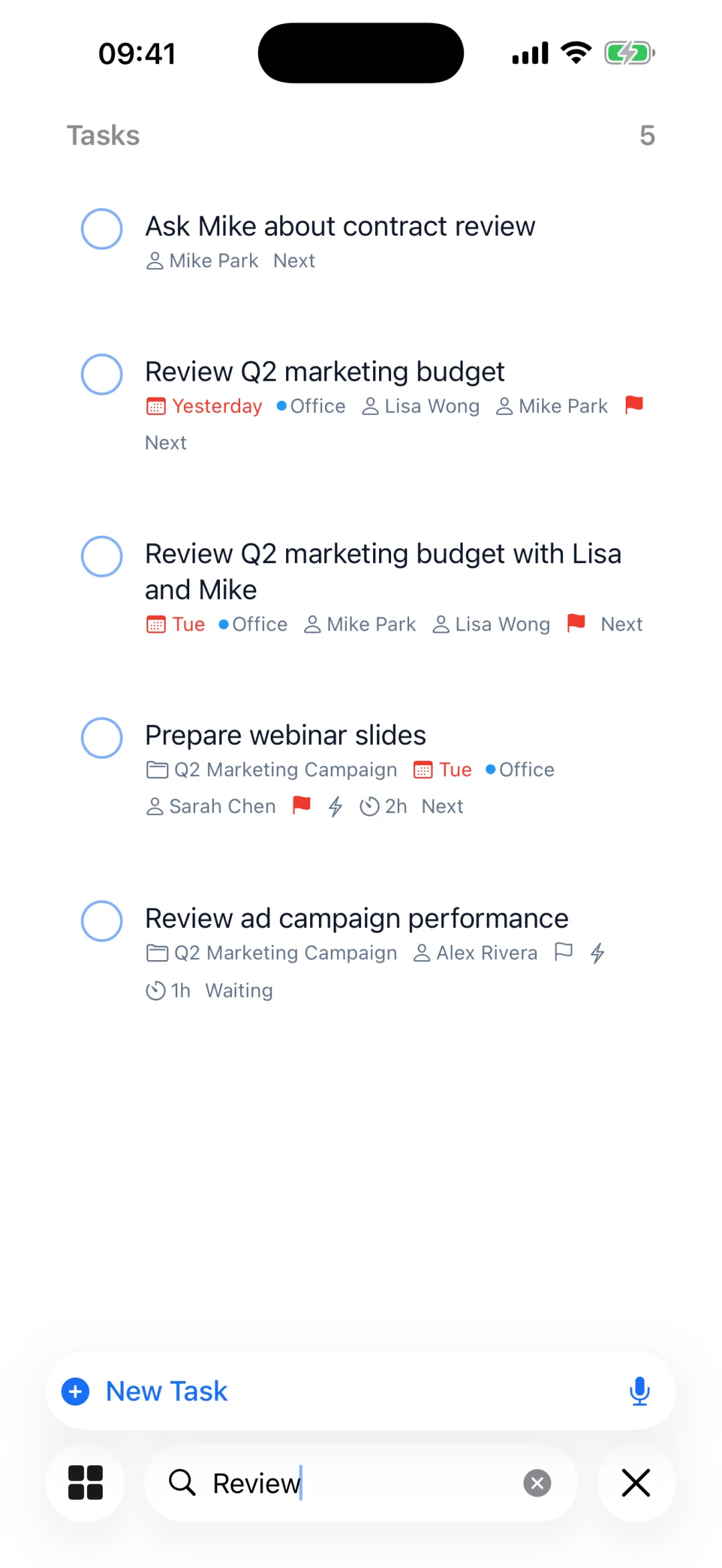
Filter your list by energy, time, and context — see only what you can actually do right now.
Plus the Essentials
Every core piece, without the compromises.
New to the methodology? Learn the methodology
Why NextThing
Many task apps leave you to build your own workflow. NextThing helps apply the Getting Things Done® (GTD®) methodology, on every device you own.
NextThing guides each item through two fixed steps: clarify, then organize. Nirvana offers conversational inbox processing in its Pro early-access AI beta.
NextThing: fixed two-step flow · Nirvana: Pro-beta conversation
SwiftUI on iPhone and iPad, Compose on Android, macOS, Windows and Linux. Real apps, not Electron wrappers.
vs OmniFocus (Apple-only) and Nirvana (web-first)
Sequential projects, Waiting For with contacts, energy and time filters — all built in.
vs Things and Todoist — most of this is missing
Comparison based on publicly available information. Trademarks belong to their respective owners.
Simple Pricing
No lock-in. No hidden fees. Core workflow on every plan.
The core workflow to get you started. Perfect for trying the system.
Everything unlimited. Organize tasks across all your devices.
On the Roadmap
In development now.
Already works with an AI assistant: connect NextThing MCP and your Todoist, Nirvana, Any.do, Notion or Trello MCP, paste one prompt, and your active tasks land in the Inbox. Premium. In-app import from export files is in development.
Move your tasks nowNextThing / start here
Pick your platform and start trusting your system today.