GTD App Comparison
NextThing vs Nirvana HQ
The short version
Choose Nirvana for established GTD lists, web access and a lower annual Pro price. Choose NextThing for a fixed two-step inbox flow, a built-in review flow and Linux support. Both have Android, iOS, Mac and Windows apps.
Get the appKey differences at a glance
| Feature | NextThing | Nirvana HQ |
|---|---|---|
| Inbox processing | Two-step flow | Manual; AI guidance in Pro beta |
| Platforms | iOS, Android, Mac, Windows, Linux | iOS, Android, Mac, Windows, web |
| Energy and time filters | ||
| Annual paid plan (USD) | $59.99 | $36 |
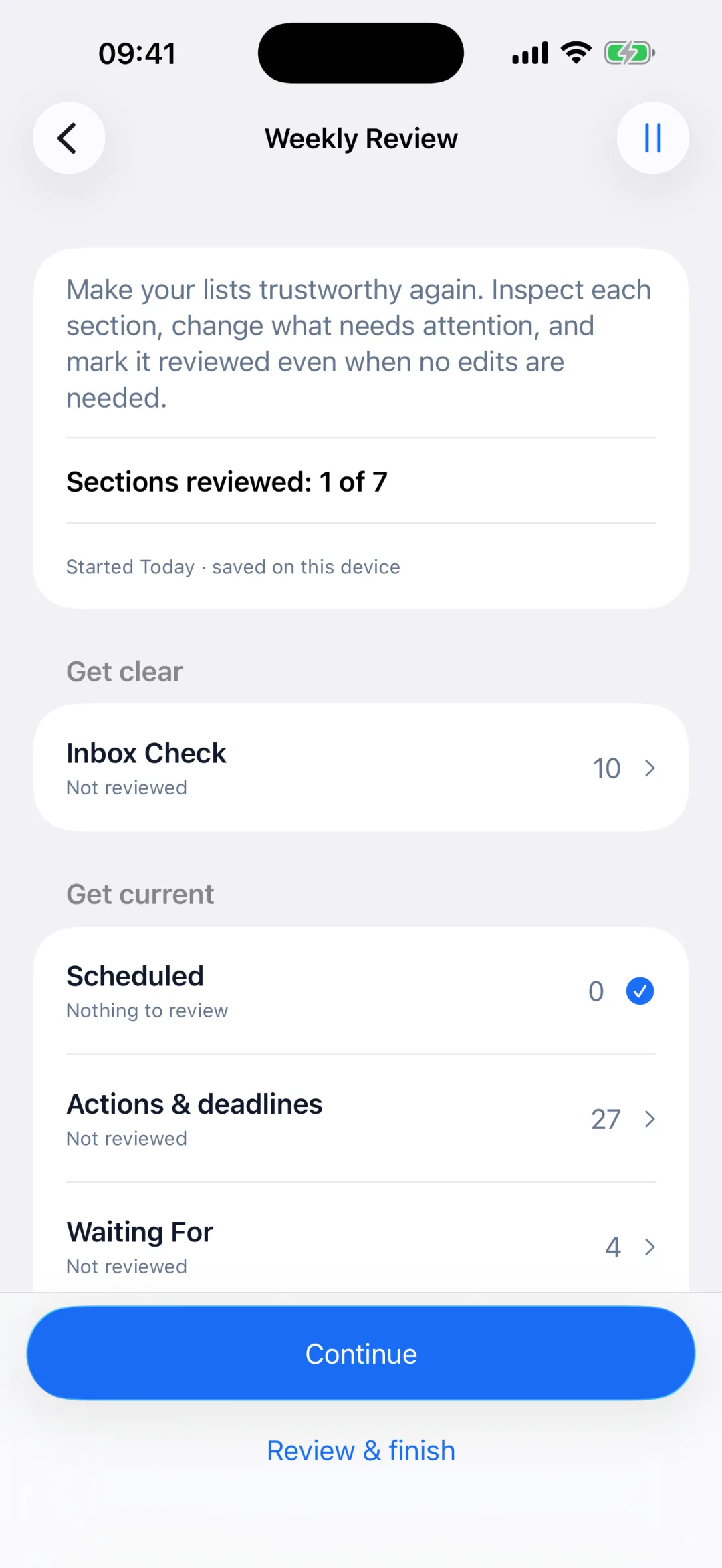
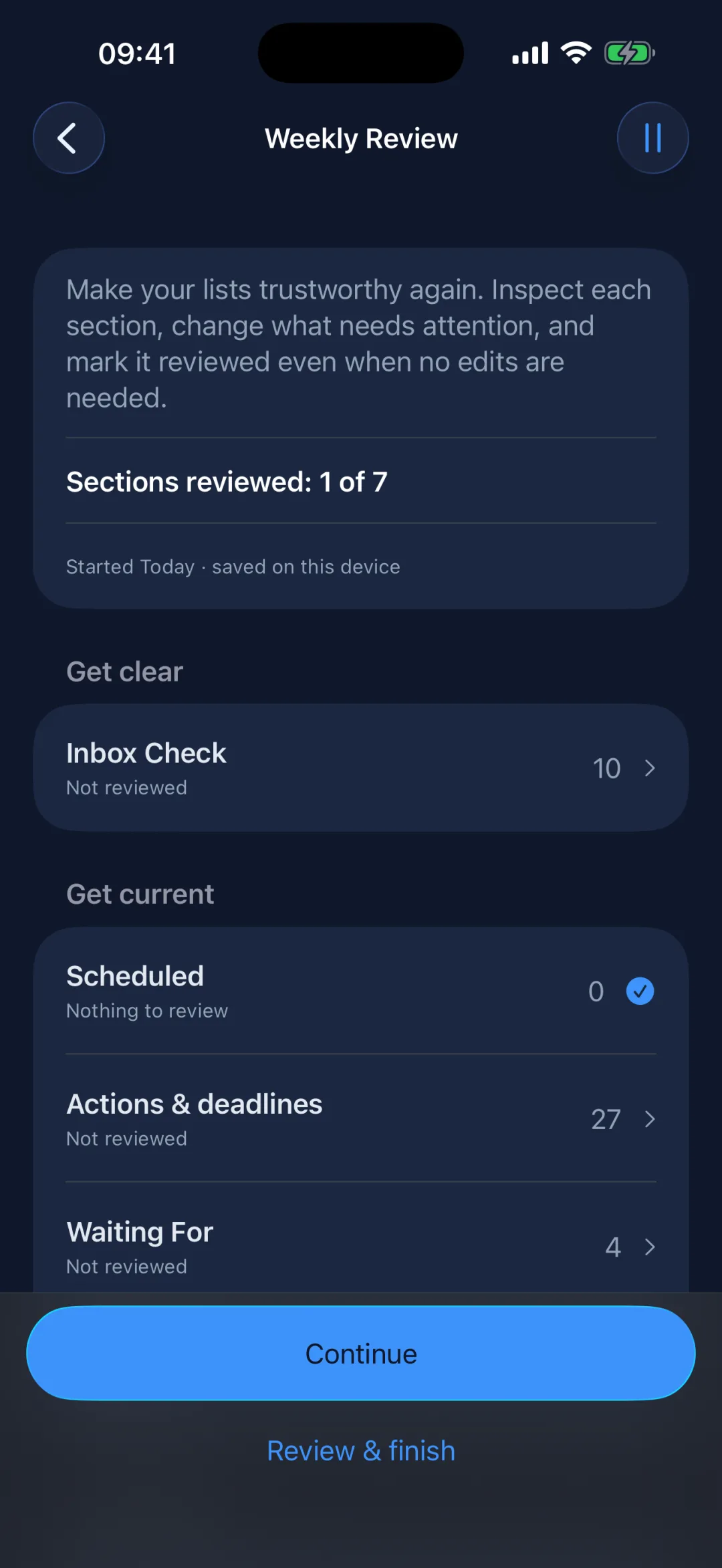
See NextThing before you download
Where Nirvana fits
Nirvana offers sequential and parallel projects, contexts, contacts, areas, time and energy filters, and Waiting and Someday lists. Its Focus list helps you choose what deserves attention today.
Nirvana has Mac and Windows desktop apps alongside mobile and web access. Its free plan includes up to five projects and two areas; Pro is $36/year. Local store prices may differ.
How inbox processing differs
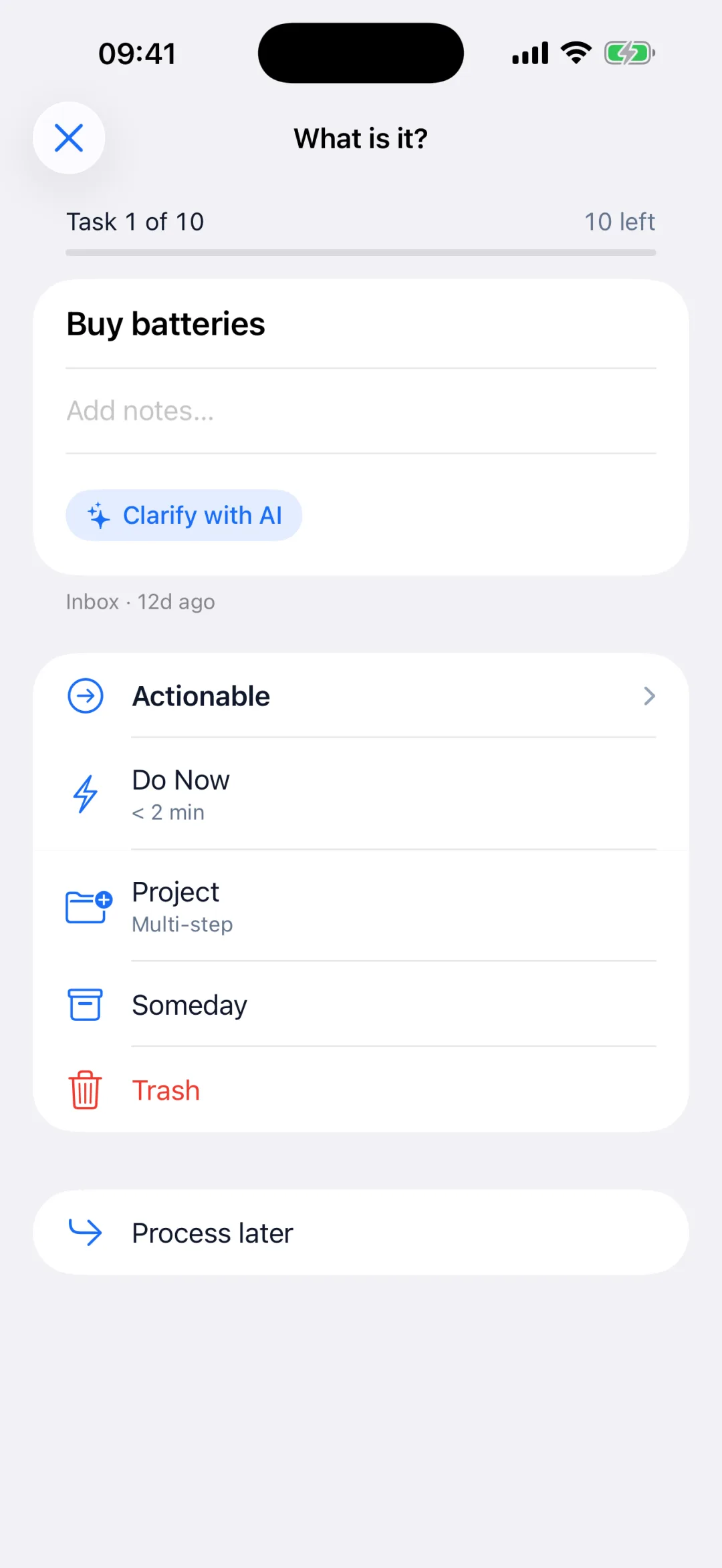
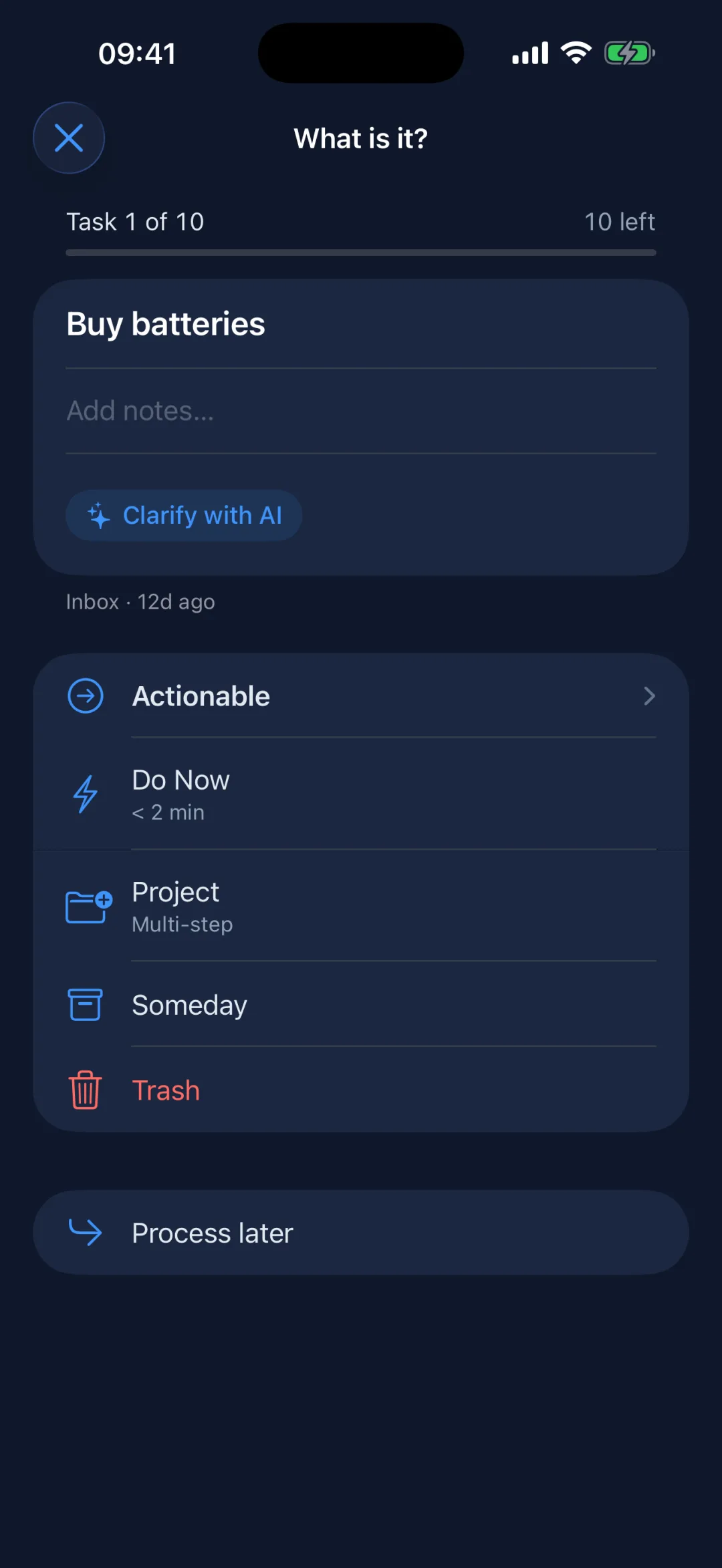
NextThing presents a fixed two-step flow: clarify the item, then organize its next action. Nirvana supports manual organization and now offers an AI-guided inbox and weekly review in its Pro web/desktop beta.
These are different ways to add structure. Try a real inbox in each: a conversational assistant and a fixed decision flow will suit different habits.
When NextThing is worth trying
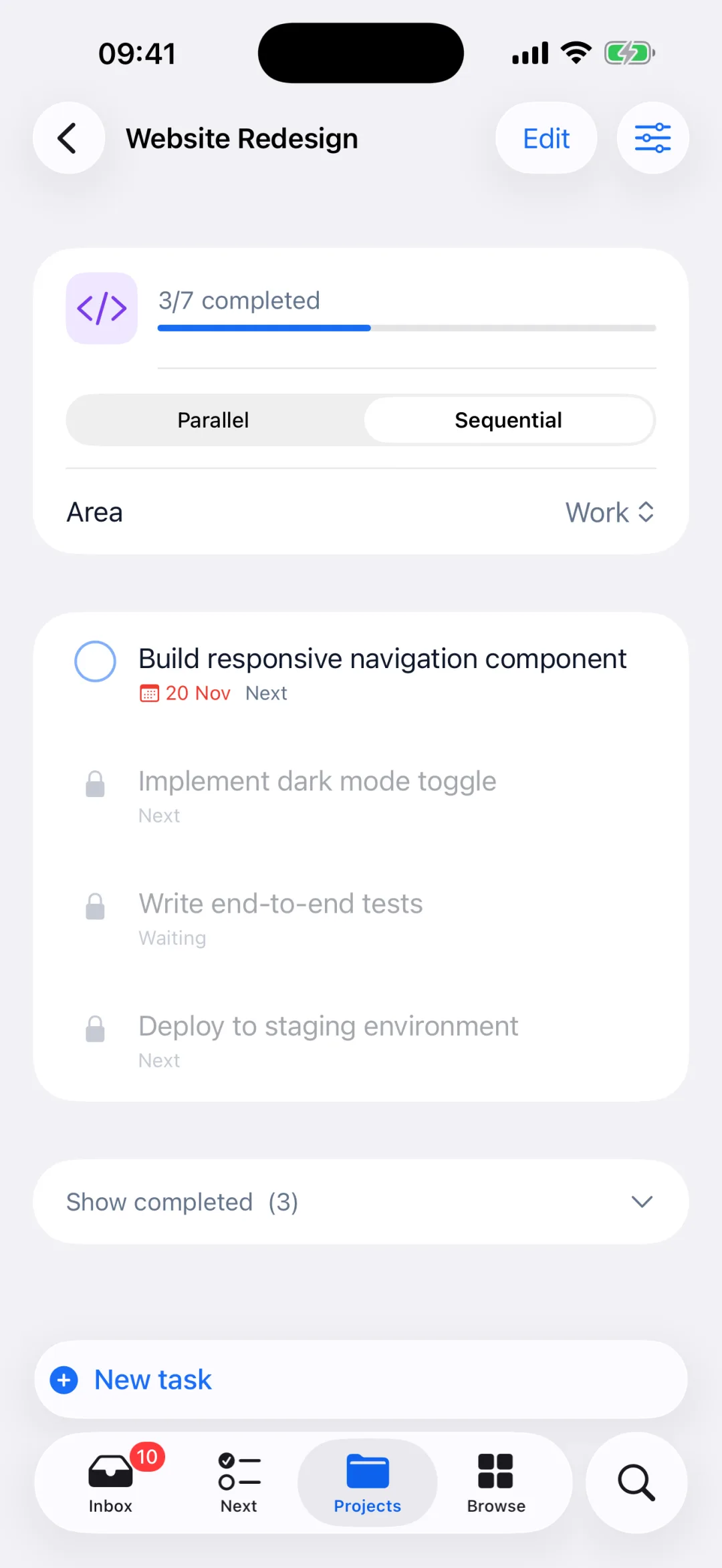
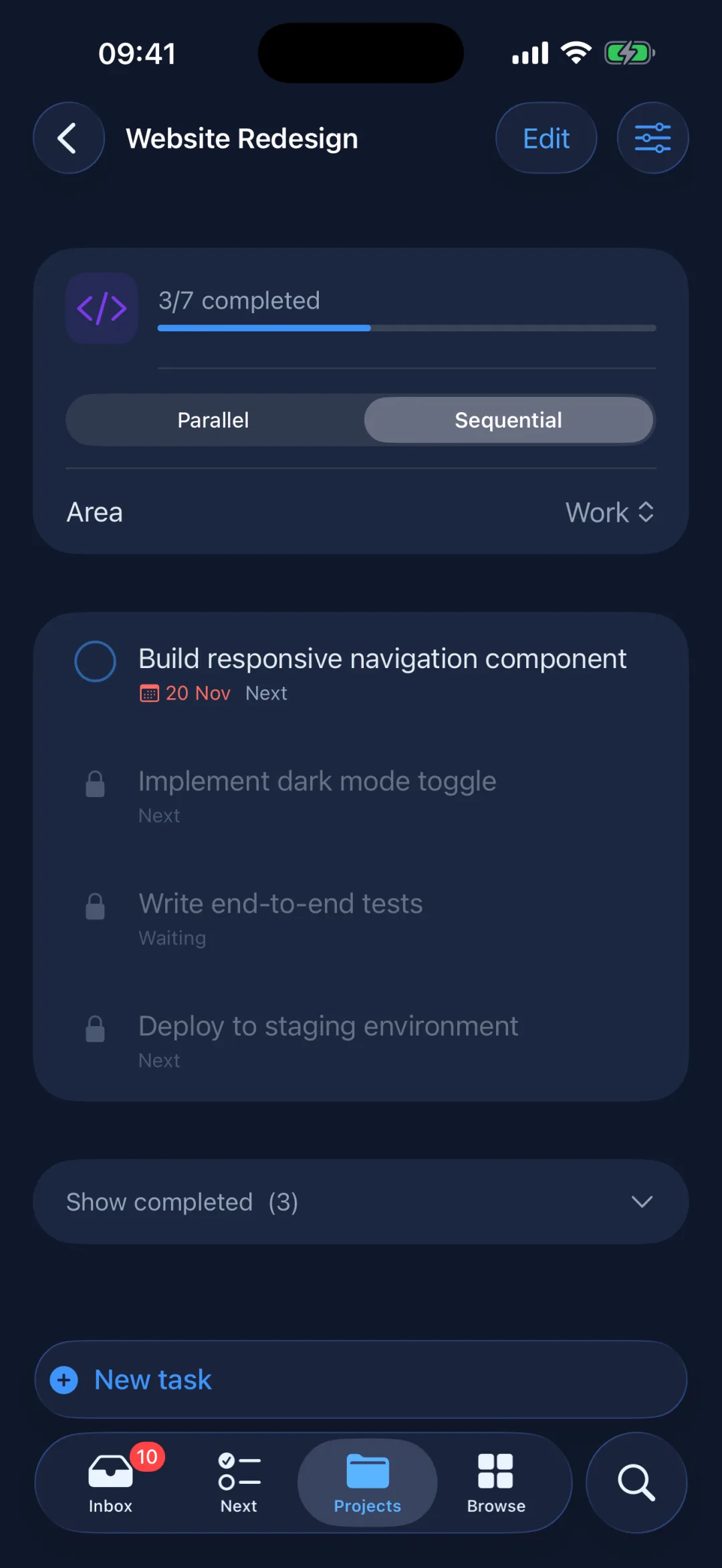
NextThing has offline-first task management, a built-in weekly review, sequential projects and native apps for iOS, Android, macOS, Windows and Linux. It has no web app.
Energy and time filtering are shared strengths, not reasons on their own to switch. If Nirvana already supports your workflow, keep that investment in mind. NextThing is worth a trial when its guided processing or Linux app solves a specific gap.
Sources and fact check
Checked November 15, 2026. Beta features are labeled; vendor prices can change.
Choosing a GTD app? Compare workflows and free plans.