GTD on Linux
A real GTD app for Linux
Most GTD apps reach Linux through a browser, if at all. NextThing ships a native desktop app for Linux with the complete Getting Things Done workflow and phone apps that stay in sync.
The short version
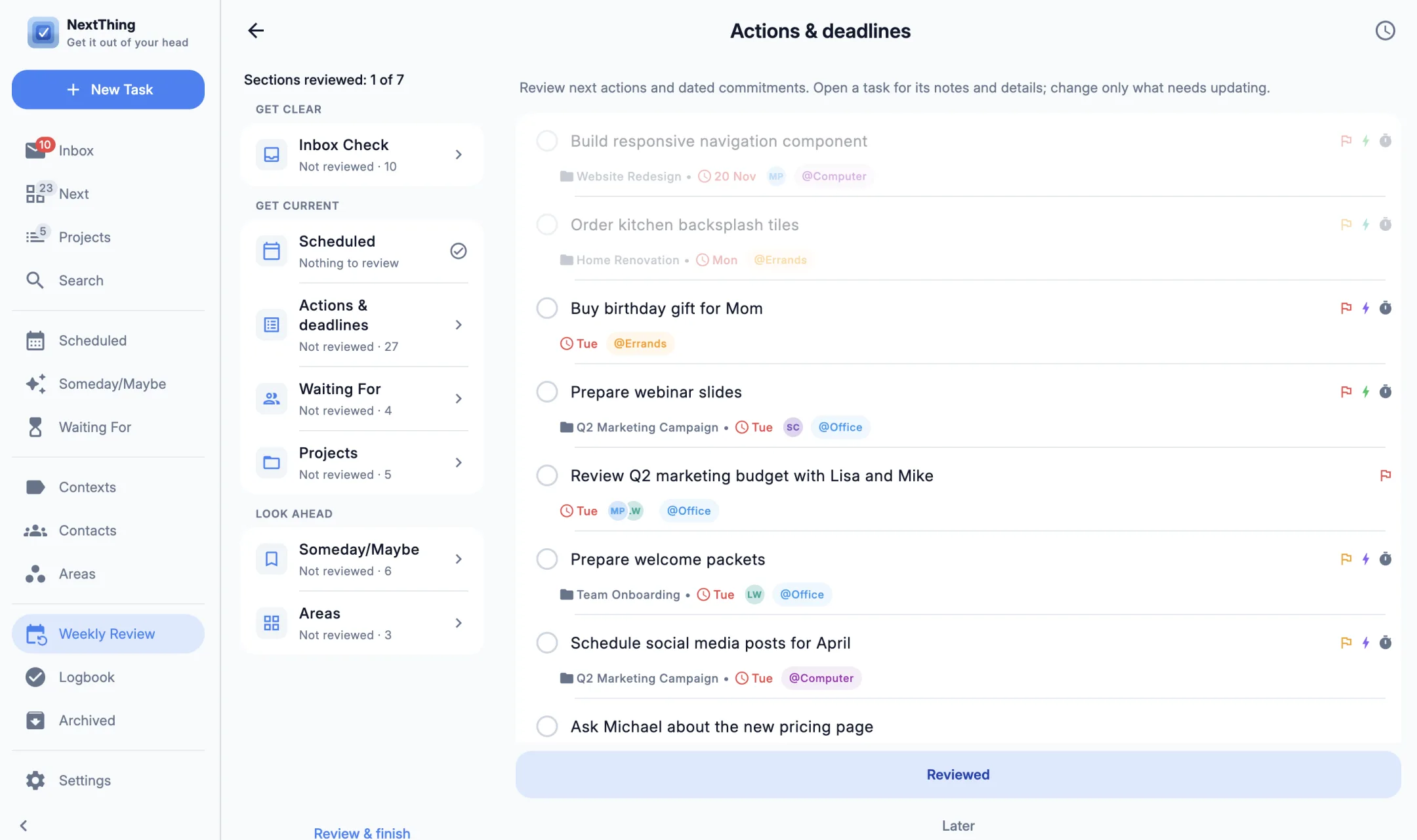
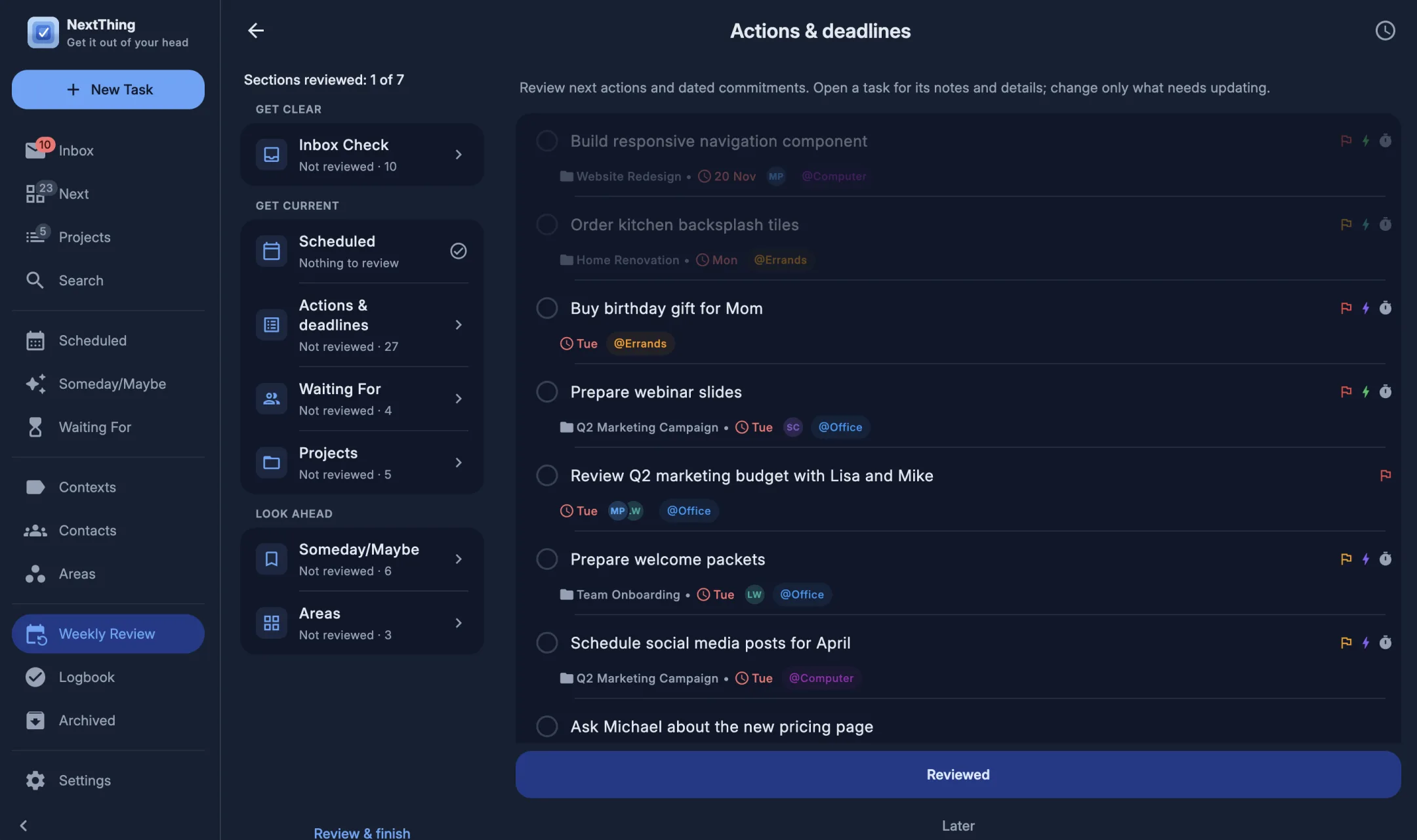
Linux is the platform GTD apps forget. Things 3 and OmniFocus don't run on it at all. Everdo and Todoist have Linux apps; NextThing adds a modern desktop app built around the whole method — guided inbox processing, contexts, energy and time filtering, sequential projects, Waiting For and a step-by-step weekly review — synced with Android and iPhone.
How it works
Capture
Get it out of your head in seconds: type it, say it on your phone, share it from another app or use the capture shortcut on desktop. Everything lands in one inbox.
Clarify
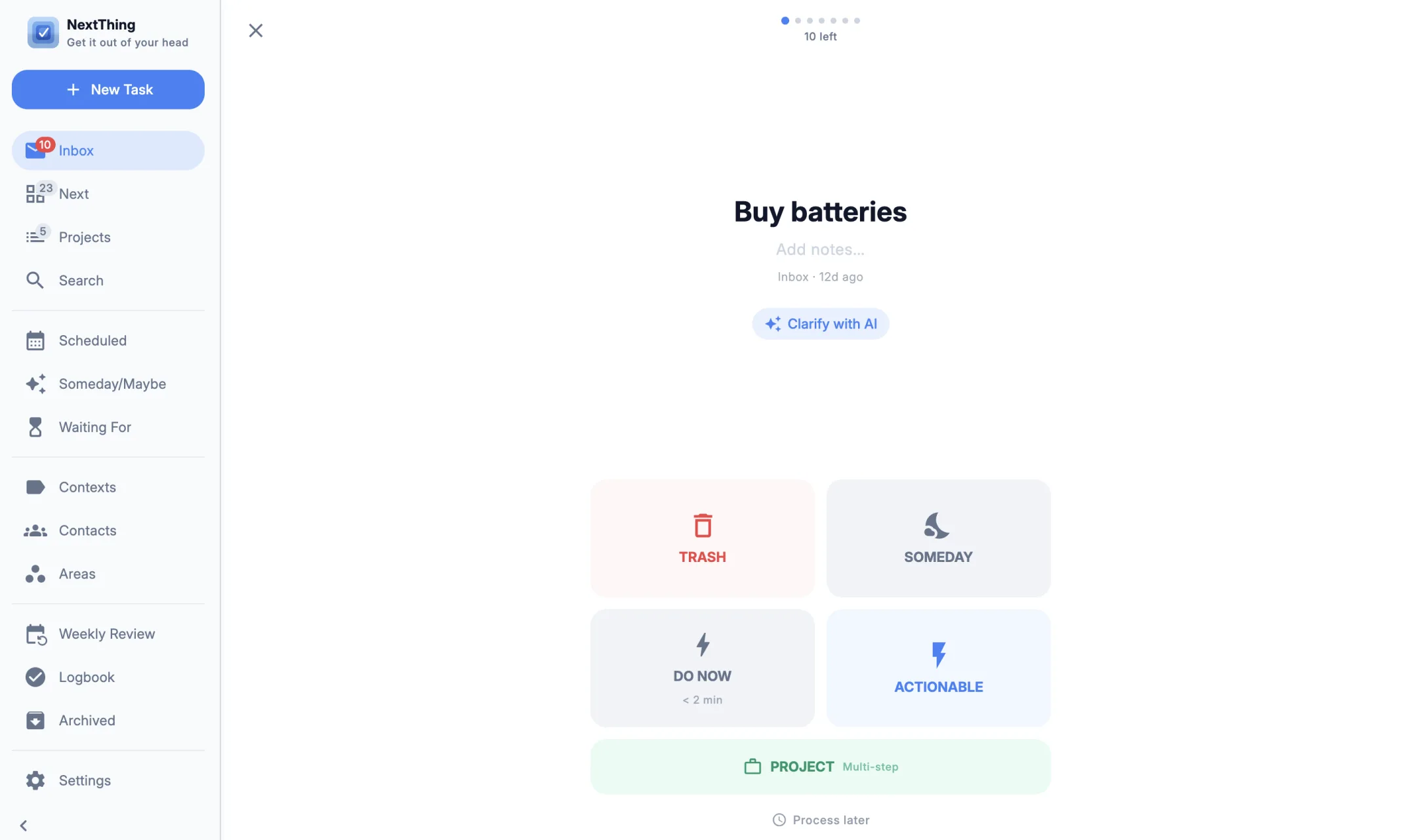
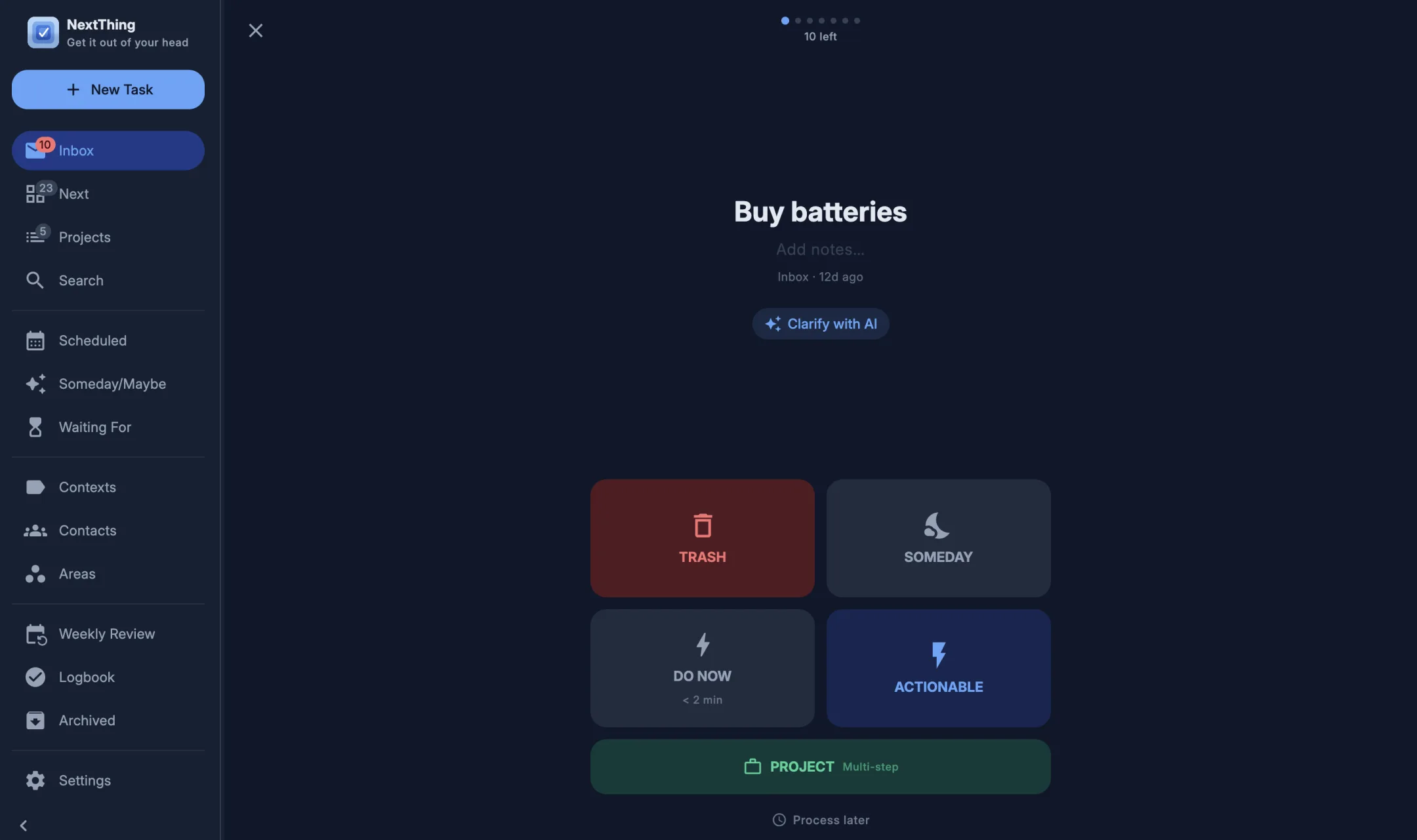
Process the inbox one item at a time. What is it, and what is the next action? Keep going until the inbox is empty.
Engage and review
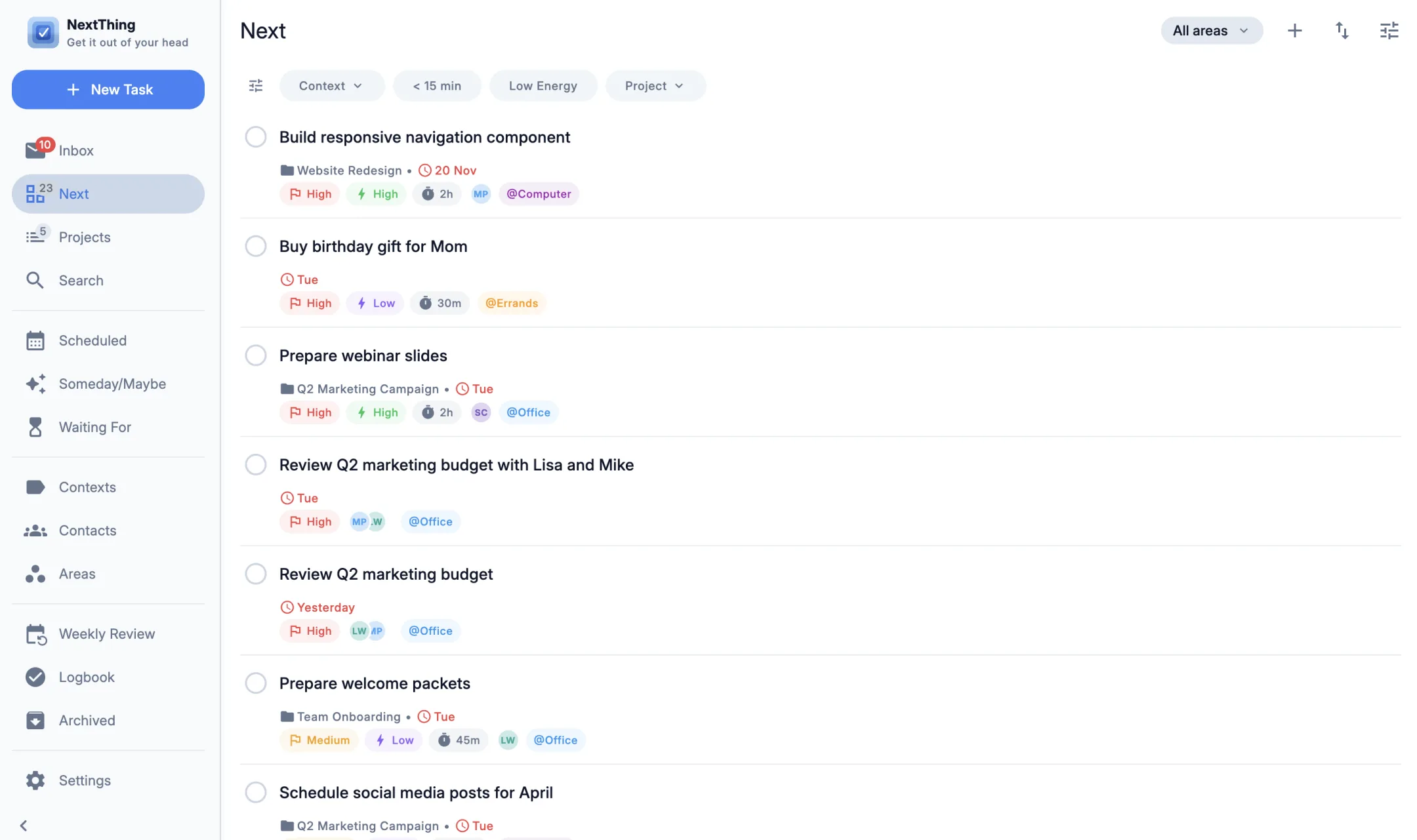
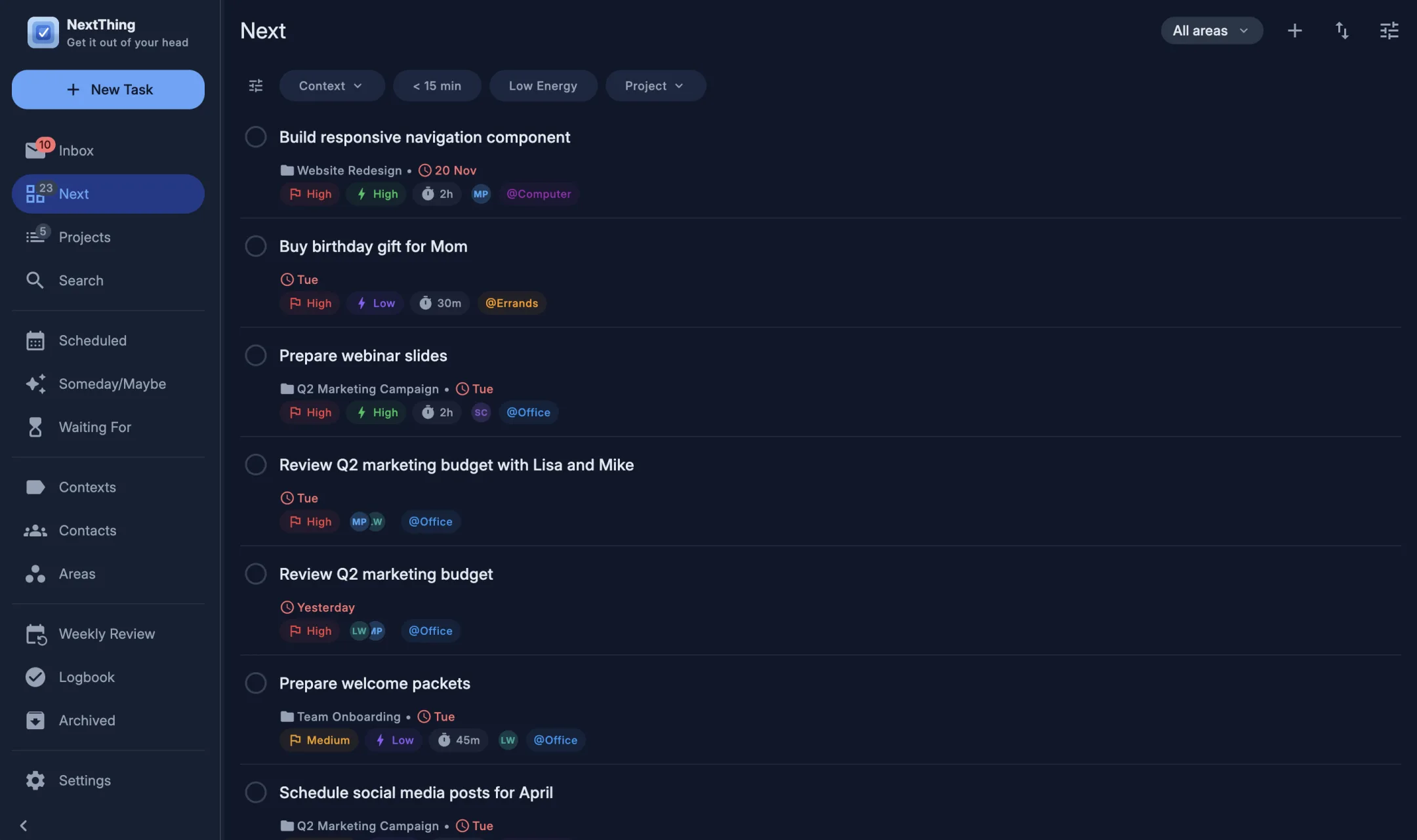
Pick next actions by context, energy and time. Once a week, a step-by-step review walks you through every list.
GTD apps on Linux at a glance
| App | Linux desktop app | Full GTD workflow |
|---|---|---|
| NextThing | ||
| Everdo | ||
| Todoist | Partial | |
| OmniFocus | Web only | |
| Things 3 | Partial |
Why GTD on Linux usually means a browser tab
The GTD apps people recommend most were built for Apple. Things 3 runs only on iPhone, iPad and Mac. OmniFocus reaches other systems only through its paid web add-on.
Everdo, a dedicated GTD app, and Todoist, a general task manager, do have Linux apps. Beyond those, Linux users tend to end up in a web app or a plain-text system they maintain by hand.
NextThing treats Linux as a full platform: the same app and the same system you get on every other device.
What the GTD workflow looks like on Linux
Capture into the inbox — there is also a global Ctrl+Alt+N quick-capture shortcut, in beta on Linux and off by default. Then process the inbox with the guided two-step flow: what is it, and what's the next action? One item at a time, until it's empty.
Next actions carry contexts, energy levels and time estimates, so you can filter to what fits the hour you have. Projects can be sequential, Waiting For items are tied to contacts, and Someday/Maybe keeps ideas out of your active lists.
The weekly review walks you through every list step by step.
Offline-first, synced with your phone
NextThing Desktop for Linux is distributed as .deb packages for x86-64 and ARM64. It stores data locally, works offline and syncs once you're back online.
Capture on your Android phone or iPhone during the day and process at your Linux desktop. The same account works on macOS and Windows too.
The free tier includes the complete GTD workflow with up to 5 projects, 5 contexts and 5 contacts. Premium unlocks unlimited everything.
GTD on Linux — common questions
Is there a GTD app for Linux?
Yes. NextThing has a native Linux desktop app, as do Everdo and the general task manager Todoist. Things 3 has no Linux version, and OmniFocus is available outside Apple devices only as a paid web add-on.
Which Linux distributions does NextThing support?
NextThing is distributed as .deb packages for x86-64 and ARM64, so it installs on Debian, Ubuntu and their derivatives.
Does NextThing work offline on Linux?
Yes. It stores your data locally, works without a connection and syncs once you're back online.
Does NextThing on Linux sync with my phone?
Yes. NextThing runs on Android, iOS, macOS, Windows and Linux, and one account keeps the same lists on all of them.
Is NextThing free on Linux?
Yes — the free tier includes the complete GTD workflow with up to 5 projects, 5 contexts and 5 contacts. Premium unlocks unlimited projects, contexts and contacts.
Get the full GTD workflow on Linux
Free to start. Also on Android, iPhone, macOS and Windows — everything stays in sync.